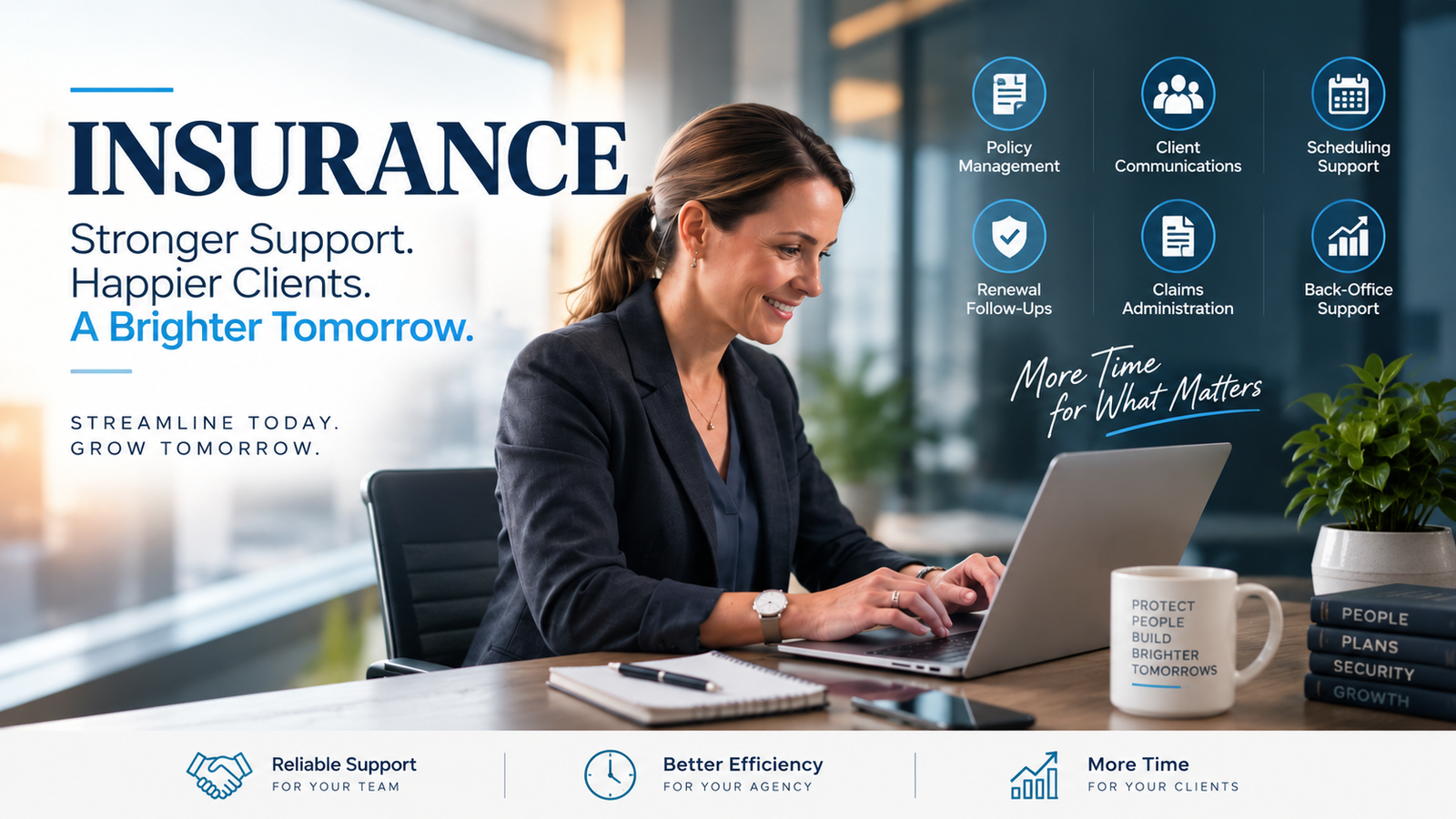
Applied Epic is supposed to be the "single pane of glass" for your insurance agency. It is the powerhouse, the Ferrari of agency management systems, designed to centralize every policy, every document, and every client interaction. But for most agency owners in 2026, Epic has become something else entirely: a source of massive "Admin Debt."
When your licensed, high-commission producers are the ones clicking through "Activity" screens, dragging PDFs into folders, and manually updating carrier information, you aren't running an efficient business. You are hemorrhaging money. This is Profit Leakage in its purest form. Every minute a $100k-a-year producer spends on administrative cleanup is a minute they aren't out hunting new business or strengthening high-value relationships.
The reality of the 2026 insurance market is brutal. We are in a prolonged Hard Market where premiums are skyrocketing, carriers are pulling out of entire states, and retention is no longer just a metric, it is your lifeline. To survive, your agency needs to move fast. But manual data entry in Epic is slow, clunky, and prone to human error. You have two choices: hire an in-house admin for $60,000+ a year (plus benefits, desk space, and taxes) or bring in a Virtual Nexgen Solutions Applied Epic Specialist for just $8 per hour.
The Reality of 2026: The Cost of Inaction
The gap between a profitable agency and a struggling one in 2026 is operational efficiency. If your team is buried under "Suspense" notifications that haven't been touched in three weeks, you are sitting on a ticking time bomb of E&O (Errors and Omissions) risk and client dissatisfaction.
In-house staff costs are at an all-time high. Between rising wages and the overhead of a physical office, a standard administrative assistant is a heavy line item on your P&L. Conversely, an Applied Epic Virtual Assistant from Virtual Nexgen Solutions provides the same technical expertise without the overhead. They don't just "help out"; they own the workflows that keep your agency compliant and profitable.
If you don't address your Admin Debt now, your agency will eventually stall. You can't scale a mess. By the time you realize your producers are too burnt out to sell because they’re playing "data entry clerk," your competitors, the ones who streamlined their operations with specialized virtual support, will have already moved in on your book of business.
6 Daily Pain Points of an Unoptimized Applied Epic Agency
- Overdue Activities: The "Home Base" screen is a sea of red, with hundreds of overdue tasks that make it impossible to prioritize what actually matters.
- Document Chaos: Carrier documents are sitting in a "To Be Processed" folder or, worse, attached to the wrong client accounts with generic names like "Scan_001.pdf."
- Renewal Rushes: Your team only realizes a policy is expiring three days before the effective date, leading to frantic, last-minute shopping and poor client service.
- Data Inconsistency: One person enters a phone number with dashes, another with dots, and half the secondary contacts are missing email addresses, making marketing impossible.
- Commission Discrepancies: You suspect carrier downloads are missing or incorrect, but nobody has the time to reconcile the statements against the actual agency billings.
- Endorsement Lag: A client requests a vehicle change, the carrier issues it, but the change doesn't reflect in Epic for weeks, leading to billing confusion and angry phone calls.
10 Specific Tasks an Applied Epic Virtual Assistant Handles
- Activity Triage: Clearing out old tasks and assigning priority items to the correct agents.
- Policy Downloads: Reviewing daily download reports and resolving discrepancies between the carrier and Epic data.
- Certificate Issuance: Handling high-volume COI requests for commercial clients with speed and accuracy.
- Renewal Prep: Gathering updated exposures and loss runs 90-120 days before expiration.
- Attachment Indexing: Properly naming and filing every piece of correspondence, quote, and policy document.
- Carrier Portal Sync: Logging into carrier sites to pull documents that don't download automatically.
- Marketing Submissions: Entering data into carrier portals based on the producer’s handwritten notes or intake forms.
- Account Audits: Periodically checking client files for missing signatures (E-signs) or outdated contact info.
- Claims Monitoring: Checking for status updates on open claims and documenting them in the Epic claim record.
- Billing Inquiries: Resolving basic premium questions by checking carrier invoices against Epic policy screens.
12 Tactical SOPs for Applied Epic Virtual Assistants
To get the most out of an Applied Epic Specialist, you need standardized workflows. Here are 12 SOPs that a Virtual Nexgen Solutions VA executes to kill your Admin Debt.
1. Activity & Suspense Management (The "Zero Inbox" for Epic)
- Step 1: Log in to Applied Epic and navigate to the Home Base.
- Step 2: Filter activities by "Overdue" and "Due Today."
- Step 3: Categorize activities: Close those that are completed but still open; reassign those sent to the wrong person.
- Step 4: For tasks requiring agent input, add a detailed note and move the suspense date forward 24 hours.
- Best Practice: Never leave an activity open without a clear "Next Step" note in the description field.
2. Policy Renewal Staging
- Step 1: Run the "Policies Expiring" report 120 days out from the current date.
- Step 2: Review the client file for any open claims or recent endorsements.
- Step 3: Send a standardized "Renewal Preparation" email to the client requesting updated payroll, sales, or vehicle schedules.
- Step 4: Attach the gathered info to a new "Renewal" activity and alert the producer.
- Best Practice: Flag any premium increases over 15% immediately so the producer can prep for a "re-shop" conversation.
3. Endorsement Processing & Tracking
- Step 1: Receive the endorsement request via email or activity.
- Step 2: Log into the carrier portal and submit the change.
- Step 3: Create a "Suspense" in Epic for 7 days to check for the issued endorsement.
- Step 4: Once issued, verify the Epic policy screen matches the carrier's dec page and close the activity.
- Best Practice: Check for pro-rated premium changes and update the "Estimated Revenue" field in Epic.
4. Certificate of Insurance (COI) Issuance
- Step 1: Open the "Certificates" module in Epic for the specific client.
- Step 2: Select the master certificate template or create a new one based on the request.
- Step 3: Add the "Certificate Holder" details and any specific wording required by the contract.
- Step 4: Send the COI to the holder and BCC the client, then log the activity as "Completed."
- Best Practice: Always check for "Additional Insured" requirements and verify that the policy has the necessary endorsements before issuing.
5. Document Indexing & Folder Discipline
- Step 1: Open the "Unattached Items" or the agency's general intake folder.
- Step 2: Identify the client, policy, and document type for each file.
- Step 3: Rename the file using the agency's standard naming convention (e.g., "YYYY-MM-DD_Carrier_Auto_DecPage").
- Step 4: Attach the document in Epic and link it to the relevant Activity or Policy.
- Best Practice: Delete any duplicate or blank pages from scanned PDFs before indexing to save storage and improve readability.
6. Quote Preparation & Submission Tracking
- Step 1: Receive an intake sheet or "SOV" (Statement of Values) from the producer.
- Step 2: Enter the data into the "Applications" section of Applied Epic.
- Step 3: Upload the data to the carrier portals or a multi-rater tool.
- Step 4: Create a "Submission" record in Epic to track which carriers have been contacted and their current status.
- Best Practice: Keep a log of "Declined" quotes with the reason (e.g., "Underwriting Appetite") to inform future marketing efforts.
7. Claims Intake & Consistent Activity Logging
- Step 1: Take the initial claim report from the client via phone or email.
- Step 2: Start a "Claim" record in Epic, ensuring the date of loss and description are accurate.
- Step 3: Report the claim to the carrier portal and note the carrier claim number in Epic.
- Step 4: Set a suspense for 3 days to follow up with the adjuster for a status update.
- Best Practice: Attach photos or police reports directly to the claim record immediately so they aren't lost in an email chain.
8. Market Comparison Summaries
- Step 1: Pull quotes from the 3-5 carriers the producer selected.
- Step 2: Extract key data: Premium, Deductibles, Limits, and any notable exclusions.
- Step 3: Populate the agency’s "Proposal Template" with a side-by-side comparison.
- Step 4: Highlight the "Best Option" based on the producer’s notes and upload the final PDF to Epic.
- Best Practice: Use a clean, easy-to-read layout so the client can make a decision without needing a degree in insurance.
9. Download Processing & Discrepancy Audits
- Step 1: Open the "Interface" module in Epic daily.
- Step 2: Review the "Download Results" for any errors or "Manual Match" requirements.
- Step 3: Compare the downloaded premium against the estimated premium entered during the quote phase.
- Step 4: If a discrepancy exists, investigate if commission rates were changed or if an endorsement was missed.
- Best Practice: Resolve download errors within 24 hours to ensure your real-time reporting is actually accurate.
10. Commission Reconciliation & Accounting Support
- Step 1: Access the carrier commission statement (typically a PDF or Excel from the portal).
- Step 2: Verify that every policy on the statement is correctly entered in Epic.
- Step 3: Flag missing commissions or policies where the agency was underpaid.
- Step 4: Coordinate with the carrier's accounting department to resolve the "Short Pays."
- Best Practice: Reconcile statements monthly to prevent small errors from snowballing into thousands of dollars in lost revenue.
11. Prospect Pipeline & Marketing Management
- Step 1: Import new leads from your website or lead providers into Epic as "Prospects."
- Step 2: Assign a "Marketing" activity to the appropriate producer.
- Step 3: Set up a "Touchpoint" schedule (Days 1, 3, 7, 14) for the VA to send follow-up emails or schedule calls.
- Step 4: Update the "Stage" of the prospect as they move from "Lead" to "Quoted" to "Won."
- Best Practice: Use Epic's "Marketing" features to track your close ratio by lead source.
12. Benefits Management & Eligibility Support
- Step 1: For Group Health clients, gather monthly enrollment changes (adds/terms).
- Step 2: Log into the carrier portals to process the member changes.
- Step 3: Update the "Census" data within the Epic client file.
- Step 4: Verify the next month’s carrier invoice reflects the changes accurately.
- Best Practice: Keep a strict "Paper Trail" of member changes to protect the agency during audit or dispute situations.
General VAs vs. Applied Epic Specialists
You might be tempted to hire a general virtual assistant from a "fast-hire" platform. This is often a mistake. A general VA might know how to answer an email, but they don't know the difference between an 'Activity' and a 'Suspense'. They don't understand why a "Certificate of Insurance" is a legal document that can lead to a lawsuit if filled out incorrectly.
When you work with a Virtual Nexgen Solutions Applied Epic Specialist, you are hiring someone who speaks your language. They know that "Attachments" belong at the policy level for dec pages but at the activity level for correspondence. They understand the workflow of a "Renewing" policy versus a "New Business" entry.
A general VA requires you to build the map while you are driving. An Insurance Virtual Assistant from Virtual Nexgen arrives with the map already in hand. They understand insurance terminology, E&O, ACORD forms, non-renewals, and excess lines. This specialized knowledge is what turns a VA from a "task-doer" into a high-ROI administrative engine.
Software & Tools for the Modern Agency
To empower your Applied Epic Virtual Assistant, your agency should utilize a modern tech stack. Our VAs are experienced in:
- Applied Epic: The core management system.
- Applied TAM or AMS360: For those transitioning or managing legacy books.
- HawkSoft or EZLynx: Useful for comparative rating and cross-system data entry.
- RingCentral or Nextiva: For seamless VoIP communication and call logging.
- Adobe Acrobat Pro: For professional document merging and redaction.
- Slack/Microsoft Teams: For real-time communication with your virtual team.
Why Virtual Nexgen Solutions is the Obvious Choice
We don't just provide "labor." We provide "Insurance Support Infrastructure." Our specialists are vetted for their technical proficiency in Applied Epic and their understanding of the US insurance market. We focus on the independent agencies, brokers, and MGAs who are tired of being the bottleneck in their own business.
By offloading the "button-clicking" to a specialized professional at $8 per hour, you reclaim your time. You reclaim your profit. And most importantly, you allow your licensed producers to do exactly what you hired them for: selling and servicing clients.
Stop drowning in Admin Debt. Start building an agency that runs like a machine.
Ready to clean up your Applied Epic Home Base? Book a strategy session with Virtual Nexgen Solutions today and let’s get your agency's efficiency where it belongs.
Frequently Asked Questions
1. Is my data safe with a virtual assistant in Applied Epic?
Yes. We implement strict security protocols, including Two-Factor Authentication (2FA) and restricted IP access. Your data remains inside your Applied Epic environment, and our VAs follow rigorous confidentiality agreements.
2. How do I track what the VA is doing all day?
Applied Epic is the ultimate tracking tool. Every time a VA completes a task, indexes a document, or updates a policy, it is time-stamped and logged in the system's "Audit" history. You can also see their productivity through the "Activity Reports."
3. Do I need to provide an Applied Epic license for the VA?
Yes, the VA will need a login to your Applied Epic system. Most agencies find that the ROI of one license far outweighs the cost when considering the 40+ hours of administrative work being completed every week.
4. Can an Applied Epic Virtual Assistant talk to my clients?
Absolutely. Many of our specialists handle inbound billing questions, certificate requests, and basic claim intake. They can act as an extension of your front-office team, using your agency's VoIP system and email.
5. How long does it take to get a VA started?
Because our specialists are already trained in Applied Epic, the "onboarding" is mostly about teaching them your specific agency's naming conventions and workflow preferences. Most VAs are fully integrated within 5-10 business days.
6. What if I use a comparative rater like PL Rating or EZLynx?
Our specialists are highly proficient in these tools. They can bridge the gap by entering data into the rater and then ensuring the finalized quote data is correctly bridged back into Applied Epic for consistent record-keeping.
7. Can a VA help with commission reconciliation?
Yes. This is one of the highest-value tasks a VA can handle. By comparing carrier statements to Epic data, they ensure you are actually getting paid every dollar you earned, effectively paying for their own seat through found revenue.
8. Why is the rate only $8 per hour?
By leveraging global talent in specialized hubs, Virtual Nexgen Solutions provides high-quality, English-speaking professionals at a fraction of US labor costs. We pass those savings: and that efficiency( directly to your agency's bottom line.)