A restoration owner in Texas can have a crew moving contents before the estimator has opened the claim file. The team photographs some rooms, labels several boxes, and leaves the rest to memory.
That gap creates trouble later. The carrier asks which room an item came from, whether damage was pre-existing, and why a total-loss decision was made. Your team then searches phones, trucks, email threads, and warehouse shelves. Valuable hours disappear, and the contents estimate becomes harder to defend.
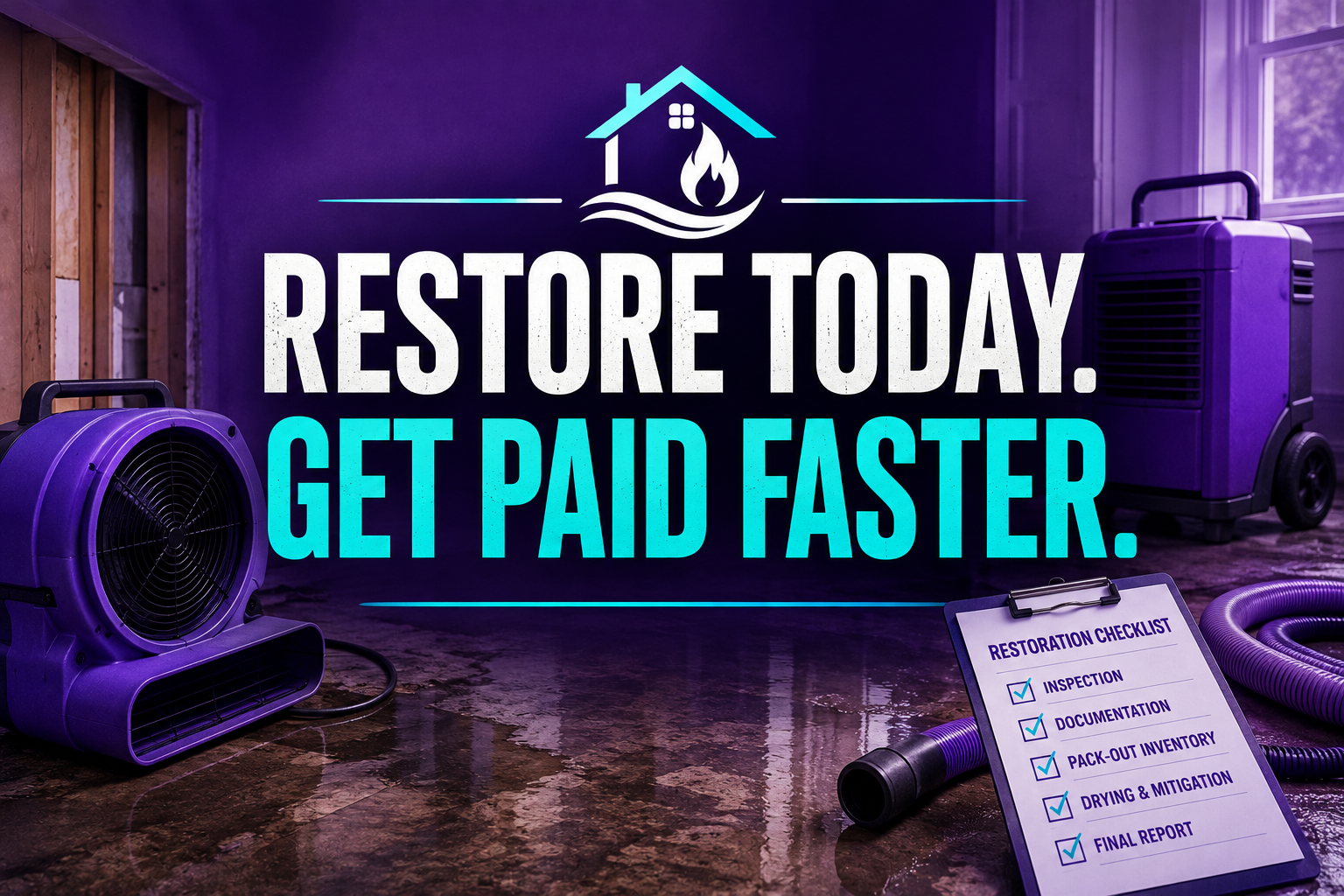
A restoration virtual assistant gives you a dedicated documentation desk. The VA organizes room-by-room inventories, photo and video evidence, condition codes, CUL/CSL records, valuation preparation, and supplement-ready content for your estimator.
What does a contents documentation desk handle?
10 Core Tasks a Restoration Virtual Assistant Handles Daily
- Create room-by-room contents inventories.
- Record item descriptions, brands, materials, sizes, and quantities.
- Apply condition codes and salvage-status notes.
- Organize pre-loss, post-loss, and total-loss photographs.
- Match photos to item IDs, rooms, boxes, and claim files.
- Prepare CUL/CSL category records for review.
- Update pack-out, cleaning, storage, and pack-back statuses.
- Track missing information from technicians and customers.
- Prepare carrier-ready documentation packages.
- Reconcile inventory records with invoices, estimates, and warehouse logs.
How do you build a claim-ready contents workflow?
Use these seven SOPs to create a repeatable documentation desk.
Pre-Pack Evidence Capture
- Create the loss file and assign a contents ID.
- Capture room overview photos and videos.
- Record the customer, address, loss type, and date.
- Flag high-value, fragile, sentimental, and hazardous items.
- Request missing room or item evidence.
- Send the completed pre-pack checklist for field review.
Room-by-Room Inventory
- Open one room record at a time.
- Record the item’s purpose, material, size, and brand.
- Add quantity, location, and visible damage.
- Attach the correct photo set.
- Assign the item to a box, pallet, or loose-item record.
- Mark the entry ready for estimator review.
Condition and Salvage Classification
- Review technician notes and photographs.
- Apply the company’s approved condition codes.
- Separate event-related damage from pre-existing damage.
- Flag items needing adjuster or specialist review.
- Record the reason for a total-loss recommendation.
- Route final decisions to the authorized restoration manager.
CUL/CSL Record Preparation
- Group items by room and content category.
- Standardize descriptions for similar items.
- Add age, brand, model, and replacement details when available.
- Attach supporting photos and customer notes.
- Identify missing valuation information.
- Deliver a clean review file to the estimator.
Chain-of-Custody Tracking
- Assign each box or container a unique ID.
- Record origin room and destination.
- Log every custody transfer and timestamp.
- Update storage location after each movement.
- Note breakage, missing items, or exceptions immediately.
- Escalate unresolved discrepancies before pack-back.
Estimate and Supplement Handoff
- Export or compile the approved inventory.
- Match photos to estimate sections.
- Identify cleaning, packing, storage, and handling records.
- Highlight omitted or changed scope.
- Send questions to the field supervisor.
- Track the file until the estimator confirms receipt.
Pack-Back Reconciliation
- Compare pre-pack and post-clean records.
- Create the loading checklist.
- Confirm each container before departure.
- Document returned, disposed, and unresolved items.
- Obtain customer acknowledgment of delivery.
- Archive the final reconciliation package.
Which software can a restoration virtual assistant support?
A trained VA can work inside your existing systems and follow your access controls.
- Xactimate: Organize contents-related scope, support estimate notes, prepare supplement evidence, and match photos to line items for estimator review.
- Encircle: Review room records, organize photo sets, check item descriptions, and identify incomplete field documentation.
- DASH: Update job status, assign documentation tasks, and track contents workflow milestones.
- MICA: Maintain inventory records, condition notes, item statuses, and pack-back information.
- ShareFile: Structure claim folders, control document versions, and distribute reports securely.
- Contractor Connection portals: Upload required records, monitor file requests, and track submission status.
- QuickBooks: Match approved invoices, storage charges, and contents-related billing records for bookkeeping review.
Align your SOP with the IICRC S500 water damage standard and the IICRC S700 fire and smoke standard. Use EPA mold cleanup guidance when handling wet, porous, or potentially contaminated contents.
What does this support cost?
Virtual Nexgen Solutions provides administrative virtual assistant support at $8 per hour. At 40 hours per week, that equals approximately $16,640 in direct annual hourly cost before any agreed package or scheduling arrangement.
An in-house administrative employee may cost approximately $50,000–$60,000 annually before payroll taxes, benefits, recruiting, training, equipment, and paid leave. The Bureau of Labor Statistics office and administrative support data provides broader wage context, while SHRM hiring and turnover resources explain why replacement costs extend beyond salary.
Use the lower-cost model to test the workflow first. Keep estimating decisions, coverage interpretation, and final claim submissions with your authorized restoration professionals.
How do two restoration companies use this model?
Case study: Florida fire restoration company. The owner assigned a VA to organize 11 active contents files, standardize item descriptions, and reconcile box IDs. In a modeled 30-day operating review, documentation follow-up fell from 14 hours to 5 hours weekly, while incomplete inventory entries dropped from 22 to 9 per file batch.
Case study: Midwest water restoration company. The estimator received inconsistent room photos and missing condition notes from a rotating field crew. After introducing a VA-led review queue, report preparation time fell from three business days to one, and weekly estimator rework declined by 9.5 hours. The VA did not determine coverage or approve payment; the role improved file readiness.
Why do restoration companies choose Virtual Nexgen Solutions?
Choose Virtual Nexgen Solutions when your technicians understand the field work but your documentation queue keeps growing. The team can follow your naming conventions, file structure, access rules, and escalation paths across restoration and accounting platforms.
Start with one workflow, such as pre-pack inventory review or pack-back reconciliation. Measure missing fields, response time, rework hours, and unresolved exceptions before expanding the desk.
FAQ
What does a restoration virtual assistant do?
A restoration virtual assistant manages the administrative side of contents claims. They organize room-by-room inventories, condition notes, photo evidence, box records, claim folders, estimate support documents, and pack-back reconciliations inside systems such as Xactimate, Encircle, DASH, MICA, ShareFile, and QuickBooks.
How can a virtual assistant help with contents inventory?
A virtual assistant can create item records, standardize descriptions, assign room and box numbers, attach photos, flag missing details, and prepare review files. Your field technician or restoration manager still confirms condition, salvageability, safety requirements, and final scope decisions.
Can a virtual assistant work in Xactimate?
Yes. A trained VA can organize contents documentation, match photos to estimate sections, prepare supplement evidence, and track missing information for estimator review. The VA should not independently approve pricing, interpret coverage, or submit a final estimate without your authorization.
What is a contents pack-out claims documentation desk?
It is a dedicated workflow for recording, organizing, and reconciling personal property during a restoration project. The desk tracks items from pre-pack photographs and inventory through packing, transport, storage, cleaning, total-loss review, and final pack-back.
How much does a restoration virtual assistant cost?
Virtual Nexgen Solutions offers virtual assistant support at $8 per hour. Your final cost depends on hours, software access, workflow complexity, and required coverage. Compare that rate with the salary and employment costs associated with an in-house administrative hire.
Can a virtual assistant handle fire damage contents documentation?
Yes. A VA can organize fire and smoke contents photographs, condition notes, item categories, total-loss records, box IDs, and carrier-requested documents. Restoration professionals must make technical safety, cleaning, disposal, and salvageability decisions.
How do you protect contents claim records?
Protect records through role-based access, secure file storage, consistent naming rules, version control, documented handoffs, photo-to-item matching, and customer sign-offs. Review your process against applicable IICRC guidance and your carrier or program requirements.
How quickly can a restoration virtual assistant start?
Virtual Nexgen Solutions typically begins with a needs assessment, workflow review, software-access setup, and task-specific onboarding. Many administrative support engagements can begin within about one week, depending on scope, approvals, and system access.
Protect your contents documentation before the next claim becomes a dispute. Book a 30-minute workflow consultation with Virtual Nexgen Solutions and identify which pack-out, inventory, or pack-back tasks your $8/hour restoration virtual assistant can take over first.