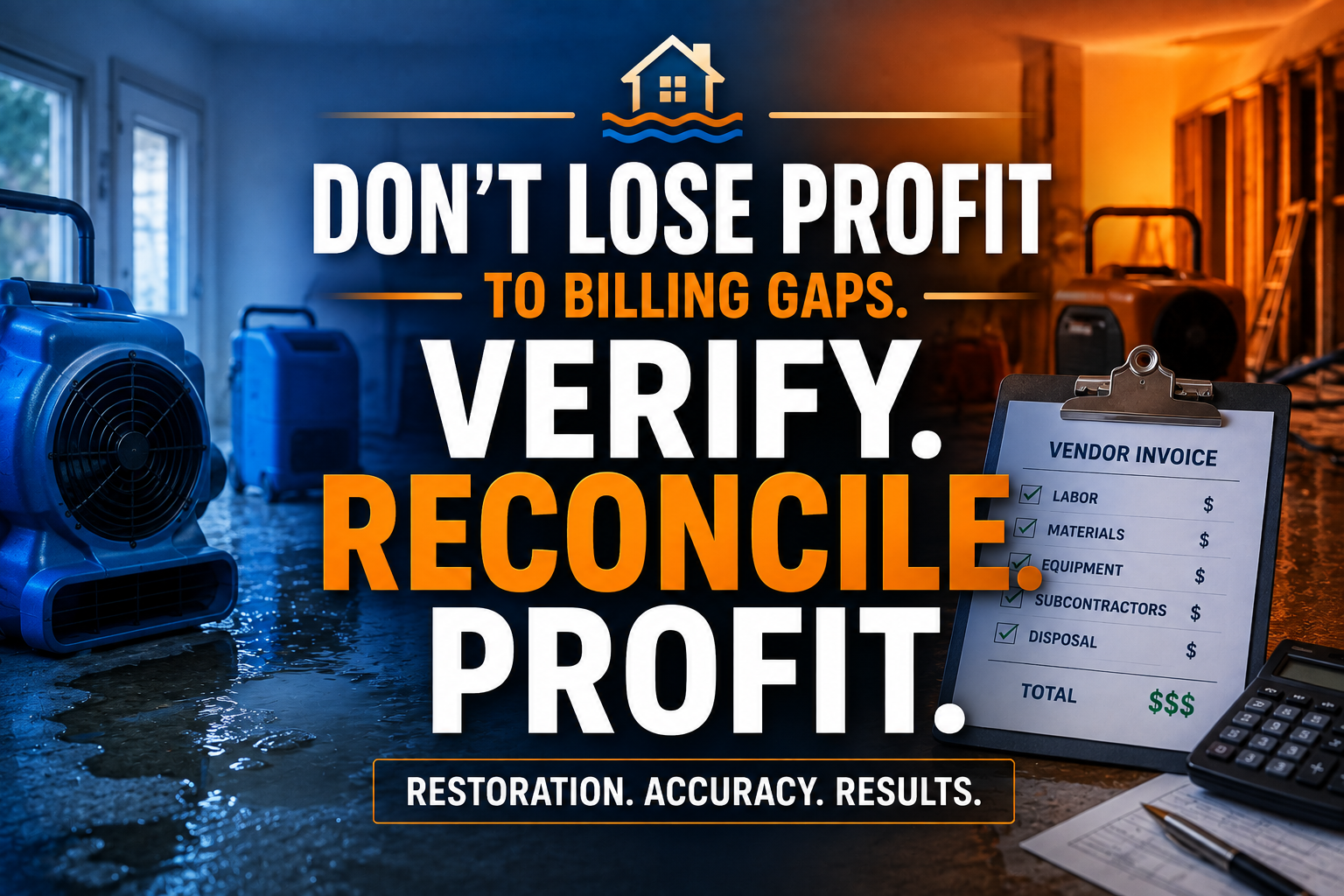
A water loss does not wait for business hours. Your team may dispatch drying equipment at midnight, coordinate a demolition crew at dawn, and answer an adjuster’s questions before breakfast. Then the invoices begin arriving.
Drywall. Flooring. Electrical. Mold testing. Temporary power. Dumpsters. Equipment rentals. Every vendor has a different format, billing cycle, and job reference. One missing invoice or misallocated cost can quietly damage the margin on an otherwise profitable claim.
A restoration virtual assistant gives you a dedicated invoice reconciliation desk. At $8 per hour, a trained VA can collect, match, code, and flag subcontractor costs before they disappear into email threads or get posted to the wrong job.
Where Does a Restoration Company Lose Margin?
Many water mitigation firms target gross margins between 45% and 60% on well-managed mitigation work. A practical restoration industry survey from Cleanfax shows why disciplined job costing matters: labor, equipment, materials, and subcontractor expenses must remain visible from first notice of loss through final billing.
Protect your margin by controlling three gaps:
- Unbilled work: A subcontractor completes drywall removal, but the cost never reaches the job file.
- Misallocated costs: A dumpster invoice lands against the wrong claim, crew, or service line.
- Unverified charges: A vendor bills 10 days of equipment rental when your records show six.
Do not ask your project manager to find every discrepancy between job sites, carrier portals, accounting records, and vendor inboxes. Give that responsibility to a trained back-office professional.
What Does a Restoration Virtual Assistant Reconcile?
Build the desk around a single rule: match every vendor charge to a job, a scope item, and a supporting record before approval.
A restoration VA can manage:
- Vendor invoice intake: Collect invoices from email, portals, shared drives, and accounting folders.
- Job identification: Match each invoice to the claim number, customer address, loss date, and internal job ID.
- Subcontractor verification: Confirm that the billed vendor performed the approved work.
- Estimate matching: Compare charges against Xactimate line items, quantities, units, and approved supplements.
- Equipment reconciliation: Match air movers, dehumidifiers, air scrubbers, and monitoring days to deployment logs.
- Material cost coding: Assign flooring, drywall, insulation, antimicrobial, and disposal purchases to the correct job.
- Budget variance review: Flag costs that exceed the estimate or approved job budget.
- Duplicate invoice checks: Identify repeated invoice numbers, repeated dates, or duplicate charges.
- Accounts payable preparation: Organize approved bills for QuickBooks entry and payment scheduling.
- Margin reporting: Prepare weekly summaries showing revenue, direct cost, variance, and estimated gross margin.
How Should You Build the Invoice Reconciliation Desk?
Use these matching rules to turn scattered paperwork into a repeatable margin-control process.
Rule 1: Require a complete invoice identity
Reject incomplete invoices from the approval queue until they include:
- Vendor name and contact
- Invoice number
- Service date
- Job ID or claim number
- Customer or property address
- Description of work
- Quantity and unit price
- Tax, disposal, or delivery charges
- Supporting completion evidence
Do not approve a vague invoice that says “restoration services.” Require enough detail to trace the charge.
Rule 2: Match the invoice to the approved scope
Compare each charge with the current Xactimate estimate and all approved supplements. Check the line-item category, quantity, unit, and rate.
For example, match a flooring subcontractor’s invoice to the approved flooring removal and replacement scope. If the invoice includes additional rooms, pause the charge and route it to the estimator or project manager for review.
Do not let a VA make coverage decisions or negotiate carrier settlements. Assign the VA to document the variance and route the judgment call to the appropriate specialist.
Rule 3: Verify field evidence
Require supporting records before approval. Use drying logs, equipment deployment records, moisture readings, photos, completion notes, work authorizations, and signed change orders.
Align your documentation practices with the professional principles promoted by the IICRC. Apply IICRC S500-informed documentation practices where relevant, especially for water removal, drying equipment, monitoring, and project completion.
Rule 4: Apply a three-way match
Match three records before posting a vendor bill:
- Purchase or work authorization: What did you approve?
- Field completion record: What did the subcontractor actually perform?
- Vendor invoice: What amount did the vendor request?
Approve only when the three records agree. Route exceptions to a review queue.
Rule 5: Separate cost types
Code every expense as one of the following:
- Subcontracted labor
- Equipment rental
- Materials
- Disposal
- Testing or inspection
- Temporary utilities
- Transportation
- Other direct job cost
Use consistent cost categories across all branches and service lines. Clean categories reveal whether your margin issue comes from labor overruns, equipment duration, material waste, or vendor pricing.
Rule 6: Escalate by dollar value and risk
Set review thresholds. Escalate any invoice that:
- Exceeds the approved amount
- Lacks a job reference
- Duplicates a previous invoice
- Includes dates outside the project window
- Contains unapproved work
- Reduces projected gross margin below your target
Create a daily exception list so your estimator, owner, or controller sees only the decisions that require experience.
What Is the Weekly Margin-Audit Workflow?
Give your restoration virtual assistant a fixed weekly rhythm.
Monday: Collect. Pull new invoices, missing receipts, equipment logs, and subcontractor completion documents.
Tuesday: Match. Connect each charge to the claim, estimate, job budget, and field record.
Wednesday: Investigate. Contact vendors about missing details. Prepare variance notes for project managers and estimators.
Thursday: Post. Enter approved bills into QuickBooks or prepare a clean approval batch for your accounting team.
Friday: Report. Summarize approved costs, pending exceptions, overdue vendor documents, and jobs with margin risk.
Measure five numbers:
- Invoice processing time
- Percentage of invoices matched on the first review
- Total dollars held in exceptions
- Average days from vendor invoice to approval
- Gross margin variance by job
This process improves cash visibility without adding another full-time local employee. A 20-hour-per-week VA costs about $693 per month at $8 per hour. A full-time in-house administrative employee may cost approximately $60,000 per year before payroll taxes, benefits, equipment, and recruiting costs.
What Software Does a Restoration Virtual Assistant Use?
Train your VA inside the systems your team already depends on.
- Xactimate: Compare final estimates and supplements with vendor charges, identify missing scope support, track line-item quantities, and prepare variance notes.
- DASH: Review job status, assign invoice records to the correct project, check production milestones, and track open documentation.
- Encircle: Review field photos, room measurements, moisture documentation, contents records, and completion evidence before invoice approval.
- QuickBooks: Prepare vendor bills, attach source documents, assign classes or locations, and organize approval batches.
- Google Drive or Microsoft SharePoint: Maintain standardized folders for estimates, invoices, work authorizations, photos, and payment records.
- Email and vendor portals: Request missing invoices, confirm disputed quantities, and maintain a documented communication trail.
Protect access with role-based permissions, strong passwords, NDAs, and a written escalation policy. Use guidance from the Society for Human Resource Management when defining responsibilities, confidentiality expectations, and performance standards for remote support roles. Review the Bureau of Labor Statistics for current labor-market information when comparing administrative staffing options.
How Much Can a Restoration Virtual Assistant Save?
A Florida water damage firm was spending nearly 18 hours each week sorting invoices from flooring crews, dumpster vendors, and equipment suppliers. Its project managers approved bills in batches without consistently comparing them with job records.
A restoration VA reviewed 46 open invoices in the first month, identified $8,740 in duplicate, unsupported, or misallocated charges, and returned 19 invoices for clarification. The firm also recovered $4,200 in previously unbilled disposal and equipment costs. The VA required 20 hours per week at $8 per hour, or approximately $693 per month.
A Texas restoration contractor used a different process. Its biggest issue was not duplicate billing. It was slow approval. Vendors waited an average of 23 days, while project managers struggled to locate completed work records.
The VA created a job-by-job invoice queue, matched 91 invoices to Xactimate scopes and Encircle documentation, and reduced average approval time to eight days within six weeks. The contractor improved vendor communication, released $31,600 in properly supported payables, and reduced the number of jobs awaiting cost closeout from 37 to 12.
These results depend on clean records, trained staff, and management review. Treat them as operational examples, not guaranteed outcomes.
Why Choose Virtual Nexgen Solutions for Restoration Back Office Support?
Choose Virtual Nexgen Solutions when you need more than general data entry. Assign your invoice desk to a team that understands restoration terminology, claim documentation, Xactimate workflows, equipment records, and job-cost visibility.
Start with one service line, such as water mitigation vendor invoices. Define your approval rules, connect the required systems, and measure results for 30 days. Then expand into mold remediation, reconstruction, contents, or commercial loss support.
With Virtual Nexgen Solutions, you receive human-powered delegation at $8 per hour, structured SOPs, documented escalation paths, and continuous workflow review. Keep coverage decisions, estimating judgment, and carrier negotiations with your licensed or experienced team. Delegate the administrative follow-through that keeps those specialists productive.
Frequently Asked Questions
What is a restoration virtual assistant?
A restoration virtual assistant is a remote professional trained to support restoration company back-office operations. They can reconcile subcontractor invoices, organize claim documents, update job records, review Xactimate support, and prepare accounting entries.
How much does a restoration virtual assistant cost?
Virtual Nexgen Solutions provides restoration virtual assistant support at $8 per hour. A 20-hour weekly schedule costs approximately $693 per month based on 4.33 weeks per month.
What does a water damage virtual assistant do?
A water damage virtual assistant can manage vendor invoices, equipment logs, moisture documentation, job folders, customer updates, estimate records, supplement support documents, and accounts payable preparation.
Can a restoration virtual assistant reconcile subcontractor invoices?
Yes. A trained VA can match subcontractor invoices against work authorizations, field completion records, Xactimate line items, job budgets, and payment records. Route coverage and scope decisions to your estimator or project manager.
How does Xactimate invoice reconciliation work?
Compare the approved Xactimate estimate and supplements with actual subcontractor charges. Check the line-item category, quantity, unit, rate, service date, and supporting documentation. Flag variances before approval.
Which software can a restoration virtual assistant use?
A restoration VA can support Xactimate, DASH, Encircle, QuickBooks, Google Drive, Microsoft SharePoint, email systems, and vendor portals. Train the VA on your permissions and internal procedures.
How can restoration companies reduce back-office costs?
Delegate repeatable administrative work to a restoration virtual assistant at $8 per hour. Use documented SOPs, standardized invoice fields, approval thresholds, and weekly margin reports to reduce rework and protect job profitability.
How do I hire a restoration VA?
Define the tasks, software, access requirements, working hours, and escalation rules first. Then select a specialized provider such as Virtual Nexgen Solutions that can assign trained support for restoration operations.
Protect your restoration margins before another vendor invoice slips through.
Schedule a 30-minute consultation with Virtual Nexgen Solutions to review your subcontractor invoice reconciliation workflow and identify opportunities for stronger job-cost control.