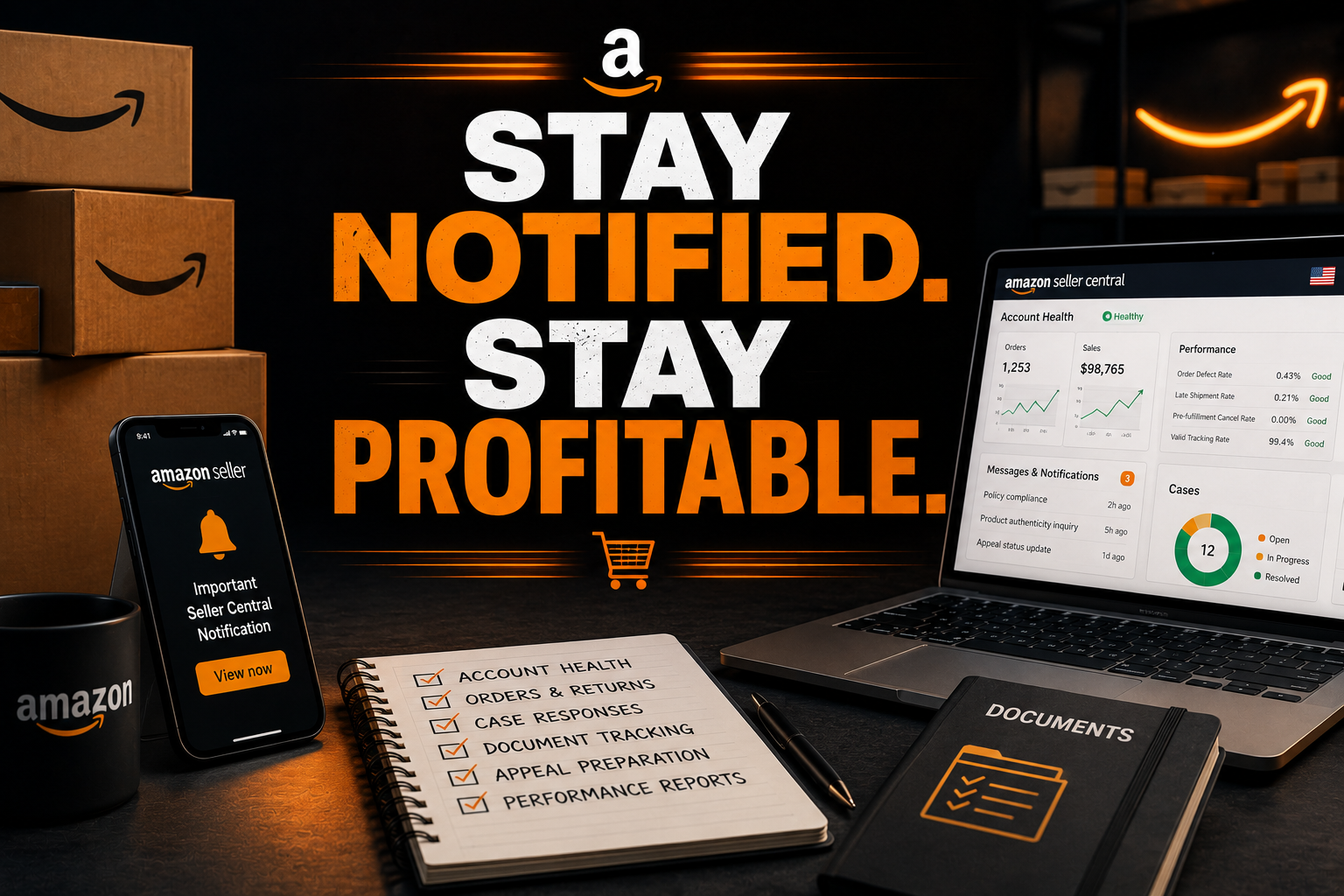
Amazon sellers rarely lose control in one dramatic moment. More often, a compliance email sits unread overnight. A listing suppression goes unnoticed during a product launch. A performance notification arrives while you are handling inventory, PPC, customer messages, and supplier calls.
By the time you open Seller Central, your Account Health Rating may have dropped, sales may be restricted, or Amazon may request documents you cannot locate quickly. That is where an Amazon seller virtual assistant becomes valuable: not as a compliance decision-maker, but as the organized desk that keeps important signals visible and response materials ready.
For FBA sellers, FBM sellers, private-label brands, and growing U.S. e-commerce operators, account health requires daily attention. Treat it as an operating function, not an occasional emergency.
The Account Health Lifecycle, From Healthy to Suspended
Healthy and compliant: Your account has no urgent violations, performance metrics remain within Amazon’s requirements, and listings are active. A VA supports this stage by reviewing Seller Central notifications, checking account-health indicators, filing internal notes, and maintaining a document library for invoices, supplier records, shipping evidence, and product information.
Early warning: Amazon may flag a metric, listing, or customer-related issue before selling privileges are removed. This is the stage where sellers often lose control. A warning seems minor, so the response gets postponed. Your VA can identify the notice, record its deadline, summarize the issue, and escalate it to you or your operations manager.
Policy notice: Amazon may remove a listing or identify a potential issue involving intellectual property, product authenticity, restricted products, condition accuracy, safety, or detail-page content. The VA can gather the relevant ASIN history, customer messages, invoices, photographs, and supplier communications. Do not allow the VA to choose your legal or compliance position.
Performance notification: Amazon may request an explanation or supporting documentation. For an FBA or FBM seller, the correct next move depends on the specific notification. Your VA can build a timeline and organize the evidence, while you confirm the facts and decide the response.
Appeal and Plan of Action: Amazon’s official appeal guidance directs sellers to Account Health and, when applicable, the “Reactivate your account” process. A Plan of Action generally needs three clear parts: root cause, corrective actions, and preventive measures. Your VA can format the materials, identify missing evidence, and track revisions. You, as the seller of record, must approve the final content and submit it.
Restoration: After submission, monitor Seller Central and email for Amazon’s decision or follow-up request. Amazon’s guidance says sellers should use “View Appeal” when additional information is requested. A VA can track the response window, preserve the submission history, and prepare the next document packet for your review.
Why Amazon Accounts Deteriorate
Most account-health failures begin with visibility problems. Sellers miss Seller Central notifications because messages compete with order alerts, customer questions, advertising updates, and supplier emails. Others open a support case but fail to follow up when Amazon requests additional information.
Incomplete documents create another problem. An invoice may lack the supplier’s full details. A product certificate may be outdated. A shipment record may not match the affected ASIN. These gaps slow your response and make it harder to explain what happened.
Listings also deteriorate when catalog changes are not reviewed. A title, bullet point, image, or variation may create a policy concern. Intellectual property complaints, delayed FBM shipments, high cancellation rates, order defects, and unresolved customer complaints can add pressure.
Your VA can monitor the signals, organize the facts, and create an escalation brief. Your VA must not invent documents, select a deceptive explanation, make legal conclusions, or submit an appeal without your approval.
The Account Health Desk
A strong desk follows five connected phases.
Monitor: Review Account Health, Performance Notifications, listing status, support cases, and the primary seller email inbox on an agreed schedule. Capture the date, ASIN, issue type, deadline, and current status.
Triage: Separate routine notices from issues requiring immediate seller attention. Escalate account-level warnings, intellectual property complaints, product safety issues, and suspension notices immediately.
Document: Create a case folder with the notification, timeline, invoices, supplier records, shipping evidence, listing history, customer communication, and corrective-action notes. Use consistent file names and restrict access to authorized team members.
Respond: Prepare a concise response packet for seller approval. Check that every statement matches the available evidence. Avoid generic language, blame, emotional appeals, or unsupported promises.
Recover: Track Amazon’s reply, record every submission, monitor related listings and metrics, and update the internal process that allowed the issue to occur.
Use the Amazon Seller Central help page as the source of truth for the current appeal path. Review Amazon Seller University to keep your team familiar with listing, fulfillment, advertising, and account-health workflows.
Tools That Support the Desk
A VA can work inside the Seller Central dashboard, Amazon Seller App, and Seller Central email notifications. Use Helium 10, Sellerboard, and Jungle Scout for catalog, profitability, and inventory context, but verify compliance facts in Seller Central.
Use Google Workspace for controlled document storage, email labels, and response folders. Use Asana or Trello to track notice dates, owners, deadlines, evidence status, seller approval, and Amazon follow-up. Keep passwords private and assign the minimum access required.
For advertising and product claims, follow the Federal Trade Commission’s advertising guidance. Claims must be truthful, not misleading, and supported by appropriate evidence.
$8 an Hour Versus a Full-Time Operations Hire
Virtual Nexgen Solutions provides specialized support at $8/hour. At 40 hours per week for 52 weeks, that equals $16,640 in direct annual hourly cost before any agreed scope changes.
A full-time e-commerce operations specialist may cost approximately $40,000–$60,000 annually, before payroll taxes, benefits, recruiting, equipment, and management time. The Bureau of Labor Statistics reports a 2024 median annual wage of $46,320 for office and administrative support occupations.
Choose the model that matches your workload. Start with defined account-health coverage, measurable response tracking, and seller approval checkpoints. Review the scope after the first month.
Two Operating Examples
Private-label home goods brand in California: The seller missed three Seller Central notifications during a product launch. A VA reviewed the account each business day, created a notification log, and organized supplier invoices and product documentation. Within 30 days, the seller reduced open support cases from 11 to 4 and cut average internal response time from 48 hours to 8 hours.
FBM electronics seller in Florida: The seller had recurring late-shipment warnings and inconsistent case follow-up. A VA tracked performance notifications, matched shipment evidence to affected orders, and prepared escalation summaries for approval. Over six weeks, the seller reduced unresolved cases by 67% and improved documented response coverage from roughly 60% of notices to 100%.
A Practical 30-Day Build-Out
Days 1–5: Map Seller Central access, notification channels, account-health metrics, active cases, product categories, and escalation contacts.
Days 6–10: Build the document library, file naming rules, case tracker, email labels, and daily review schedule.
Days 11–20: Run the Monitor, Triage, Document, Respond, and Recover workflow on live notices under seller supervision.
Days 21–30: Review response times, unresolved cases, missing documents, escalation quality, and seller approval checkpoints. Adjust the desk before expanding its scope.
FAQ
What does an Amazon seller virtual assistant do?
An Amazon seller virtual assistant monitors Seller Central notifications, reviews account-health alerts, organizes invoices and case evidence, tracks support responses, maintains workflow records, and prepares response packets. The seller remains responsible for compliance decisions, appeal strategy, factual approval, and final submission to Amazon.
How can an Amazon seller virtual assistant help with account health?
An Amazon seller virtual assistant can review Account Health, identify urgent notices, record deadlines, monitor performance metrics, organize documentation, and escalate serious issues. This support improves visibility and response discipline, but it does not replace the seller’s responsibility to determine the correct compliance response.
How much does an Amazon seller virtual assistant cost?
Virtual Nexgen Solutions provides Amazon seller support at $8 per hour. Your total cost depends on the hours, tools, marketplace coverage, and workflow scope required. Compare that variable support cost with the salary, benefits, recruiting, and overhead associated with a $40,000–$60,000 in-house operations hire.
Can a virtual assistant handle Amazon account suspension?
A virtual assistant can monitor a suspension notice, organize evidence, track Amazon instructions, and prepare a draft Plan of Action for review. The seller of record must verify the facts, approve the appeal strategy, and submit the final response. No VA should promise reinstatement or fabricate documentation.
What is an Amazon Plan of Action?
An Amazon Plan of Action explains the root cause of a policy or performance issue, the corrective actions already completed, and the preventive measures put in place. It should be specific, evidence-based, and tailored to the notice. The seller must approve every statement before submission.
How do I monitor Amazon Account Health?
Sign in to Seller Central and review the Account Health dashboard, Performance Notifications, Product Policy Compliance area, listing status, and open support cases. Set a recurring review schedule and track deadlines. Escalate account-level, intellectual property, safety, authenticity, and suspension issues immediately.
Can an Amazon seller virtual assistant contact Seller Central support?
A virtual assistant may support case organization and, when access permissions and seller policy allow, prepare or manage routine support communication. Define access limits in writing. The seller must review sensitive compliance responses and retain responsibility for the accuracy and final approval of submissions.
Is it safe to give a virtual assistant access to Seller Central?
Use role-based access, strong authentication, confidential handling procedures, and the lowest permission level needed for the work. Never share personal passwords when an approved user-access method is available. Review activity regularly and remove access when the engagement ends.
Protect your Seller Central visibility before a warning becomes a crisis. Schedule a 30-minute consultation with Virtual Nexgen Solutions to discuss an Amazon account-health desk at $8/hour.