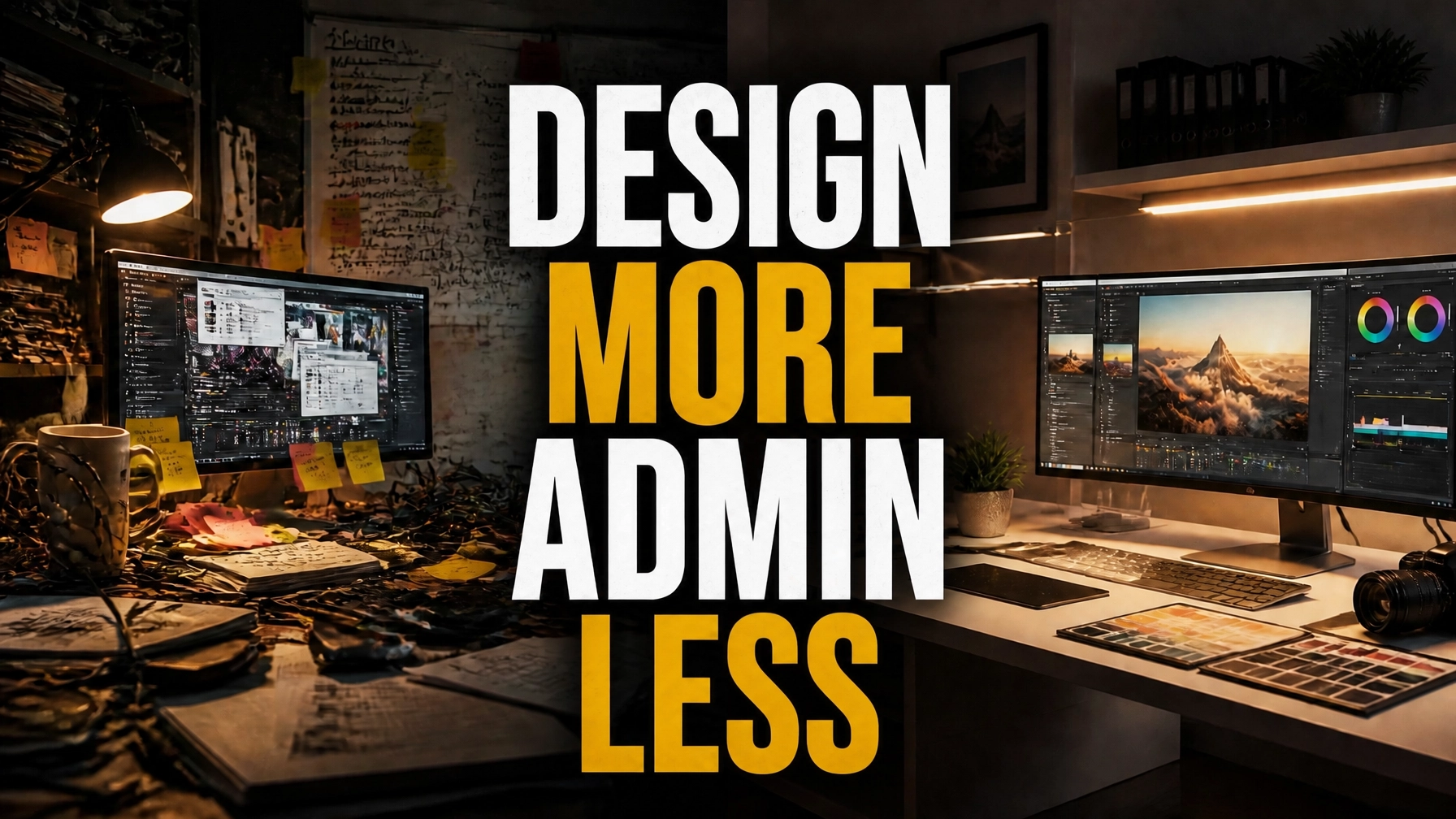
The creative landscape in 2026 is defined by a brutal paradox: technology has made production faster, yet creative studios are falling further behind. While your senior designers and art directors possess world-class talent, they are drowning in a phenomenon known as Creative Debt.
In a typical boutique agency, a designer loses approximately 22 hours every week to tasks that have nothing to do with their craft. They spend their mornings hunting for high-res assets in disorganized cloud drives, their afternoons interpreting vague client feedback, and their evenings renaming files for final delivery. This is not just a workflow issue; it is massive Profit Leakage.
When you pay a senior creative to perform administrative file management, you are essentially paying $100+ an hour for data entry. This is where the Production Virtual Assistant becomes the most critical hire for a scaling studio. By implementing a specialized Creative Studio Virtual Assistant, you can reclaim up to 40% of your team's production time, shifting the focus back to high-value creative output.
The Reality of Creative Debt in 2026
Creative Debt is the accumulation of disorganized assets, poorly defined workflows, and administrative overhead that slows down the actual design process. In 2026, client expectations for turnaround times have accelerated. The "Where's the file?" tax is higher than ever because every minute spent searching for a logo or a specific brand guideline is a minute your competitor is using to finalize a campaign.
Most studio owners try to solve this by hiring more designers. However, adding more headcount to a fractured system only compounds the problem. It adds more people to the "Where's the file?" email threads and more voices to the feedback vacuum. The solution is not more craft; it is better Creative Ops.
A Production Virtual Assistant from Virtual Nexgen Solutions steps in to bridge the gap between the client’s vision and the designer’s execution. At a cost of $8 per hour, a specialized VA handles the operational friction that creates Production Burnout. Contrast this with the $60,000 per year plus benefits you would pay for a junior in-house project manager, and the ROI of a virtual solution becomes undeniable.
Eliminating the "Where's the File?" Tax
The most significant drain on studio productivity is asset management. Studies show that creative professionals spend nearly 40% of their day managing files rather than creating them. This includes:
- Searching through disparate folders for the "final_final_v2" version of a file.
- Downloading and re-uploading assets from various client portals.
- Converting file formats (SVG to PNG, RAW to JPEG) for different stakeholders.
- Organizing brand kits and ensuring style guides are up to date.
A Creative Studio Virtual Assistant acts as the librarian of your digital workspace. They systematize the entire asset lifecycle. Before a designer even opens Photoshop or Figma, the VA has already sourced the assets, organized them into a standardized folder structure, and verified that all links are active. This "Prep Work" ensures that when your creative team sits down, they are doing 100% billable work.
Feedback Translation: Turning Vague Emails into Actionable Briefs
Every creative has faced the dreaded "make it pop" or "I’ll know it when I see it" email. These vague instructions lead to endless revision rounds, which are the primary cause of Production Burnout.
Your Production VA serves as the first line of defense. They take raw client emails and translate them into a technical SOP (Standard Operating Procedure) for the designer. If a client says, "The colors feel a bit off," the VA follows up to ask for specific HEX codes or references before the designer ever sees the request.
This Feedback Translation ensures that your creative team never starts a task without a clear roadmap. It eliminates the "guessing game" that leads to wasted hours and frustrated talent. By the time a task reaches a designer's dashboard, it is a structured brief with clear deliverables, deadlines, and technical specifications.
The Hybrid Model: Craft vs. Operations
To scale an agency in 2026, you must separate the "Craft" from the "Operations."
The Craft: This is the high-level strategy, the visual identity, the storytelling, and the conceptualization. This is what your clients pay a premium for.
The Operations: This is the project tracking, the asset management, the client follow-ups, and the file exports. This is what eats your margins.
A Production Virtual Assistant takes over 100% of the operations. This hybrid model allows your studio to remain lean while producing the volume of a much larger agency. It enables you to take on more projects without increasing your high-cost designer headcount.
For studios looking to diversify their service offerings, this operational support is vital. Whether you are managing real estate marketing assets or complex legal documents, a VA ensures the back-end stays organized while your creatives focus on the front-end impact.
Tactical SOP: Systematizing the Creative Handoff
To maximize the impact of your Creative Studio Virtual Assistant, you must standardize how projects move from the "Client Request" phase to the "Production" phase. Follow this procedure to reclaim your team’s time immediately.
Step 1: Centralize the Input
Direct all client requests to a single intake email or form. Never allow clients to text or message designers directly. The VA monitors this intake channel.
Step 2: The Brief Audit
The VA reviews every request for three "Vital Signs":
- Assets: Are all logos, fonts, and images attached and high-res?
- Specs: Is the final output size and format clearly defined?
- Context: Is there a clear reference or style guide linked?
If any of these are missing, the VA requests them from the client immediately. The designer is not notified until the brief is "Complete."
Step 3: Asset Staging
The VA creates a dedicated project folder using a standardized naming convention (e.g., YYYYMMDD_ClientName_ProjectTitle). They move all raw assets into a "Resources" sub-folder and create a working file for the designer.
Step 4: Task Assignment
The VA creates the task in your project management software (Asana, Notion, or ClickUp), attaches the brief and folder link, and sets the deadline based on your studio's current capacity.
Step 5: Final Quality Control
Once the designer finishes, they notify the VA. The VA performs a technical QC (checking for typos, correct file naming, and brand compliance) before sending the proof to the client for approval.
Scaling Without the Overhead
The cost of inaction is high. A studio with five designers losing 22 hours each per week is essentially losing 110 hours of production time every seven days. Over a month, that is over 400 hours of lost revenue.
By integrating a Virtual Assistant at $8 per hour, you are not just hiring a helper; you are installing an operating system for your business. This allows you to focus on Agency Scaling: finding new clients and refining your creative vision: rather than worrying about whether a client received their Dropbox link.
If you are managing high-volume niches like insurance agency marketing, where speed is the primary differentiator, this operational efficiency becomes your greatest competitive advantage.
Managing Admin Debt in the Creative Space
Admin Debt is the "interest" you pay on disorganized business practices. Every time a designer has to ask a client for a missing password or a hex code, your Admin Debt grows. This debt eventually leads to missed deadlines and client churn.
A Creative Studio Virtual Assistant acts as a debt-clearing specialist. They proactively audit your project management systems to ensure no task is stagnating. They manage your calendar to protect your "Deep Work" hours, ensuring that you have the mental space to lead your studio rather than just managing it.
For agencies looking to reduce overall operational costs, shifting from a localized, high-overhead model to a virtual-first model is the most effective strategy. You can learn more about how this shift impacts your bottom line in our guide on cutting admin costs by 60%.
Implementation Checklist for Studio Owners
If you are ready to kill Creative Debt, start with these three moves:
- Identify your "Friction Tasks": Spend one week tracking every time a designer stops designing to do an administrative task. This is your VA’s first job description.
- Standardize Your Filing: Create one master folder structure and mandate its use across the entire studio.
- Hire for Process, Not Just Talent: When looking for a Production VA, prioritize candidates who are detail-oriented and understand the basics of creative software (Adobe Creative Cloud, Figma, Canva).
At Virtual Nexgen Solutions, we specialize in providing VAs who understand the unique pressures of the creative industry. We don't just provide a body; we provide a professional who is trained to handle the specific operational workflows of a modern studio.
Frequently Asked Questions
Does a Production VA need to know how to design?
While they do not need to be senior designers, a Production VA should have a fundamental understanding of design tools. They should know how to export files, resize images, and navigate project management software. Their primary role is support and operations, not original creation.
How much can I save by hiring a Virtual Assistant instead of a local PM?
A local Project Manager in the US typically earns between $55,000 and $75,000 per year. A specialized Virtual Assistant from Virtual Nexgen Solutions costs $8 per hour, which totals roughly $16,640 per year for full-time support. This represents a savings of over $40,000 annually per hire.
How do I handle time zone differences with a virtual team?
Modern studios in 2026 utilize "The Follow the Sun" model. A VA in a different time zone can handle asset staging and file organization while your US-based team is sleeping. This means when your designers start their day, everything is ready for them, effectively giving you a 24-hour production cycle.
Can a VA help with client communication?
Yes. A Production VA can handle 80% of routine client communication, such as scheduling meetings, sending project updates, requesting missing assets, and following up on unpaid invoices. This keeps your creative team out of the "inbox trap."
What software should my Production VA be familiar with?
They should be proficient in your Project Management system (Asana, ClickUp, Trello), Communication tools (Slack, Zoom), and Cloud Storage (Google Drive, Dropbox). Additionally, basic knowledge of Canva or the Adobe suite is highly beneficial for asset management.
How long does it take to see the 40% time reclamation?
Most studios see a significant shift within the first 30 days. The first two weeks involve documenting your specific workflows and granting access. By week four, the "Where's the file?" tax begins to disappear as the VA takes full ownership of the file structures and intake process.
Is my data secure with a Virtual Assistant?
Security is a top priority. At Virtual Nexgen Solutions, we use secure password management tools and signed NDAs to ensure your studio's intellectual property and client data are protected at all times.
Can a VA assist with my studio's own marketing?
Absolutely. Many studios use their Production VA to manage their own social media presence, update their portfolio website, and handle outreach to potential new clients. This ensures your studio stays visible even when you are busy with client work.
Stop letting Creative Debt drain your studio’s potential. If you are ready to reclaim 40% of your production time and scale your agency without the crushing overhead of in-house staff, Virtual Nexgen Solutions is here to help.
Schedule your free 30-minute operational audit today: https://calendly.com/virtualnexgen-info/30min