Commercial HVAC projects rarely lose money because a technician cannot install a furnace, boiler, RTU, chiller, or VRF system. They lose money after the installation, when the closeout package is incomplete and the final payment remains stuck.
That is where an HVAC virtual assistant can protect your cash flow. A specialized assistant can organize HVAC closeout documentation, track missing commissioning records, register equipment warranties, and coordinate retainage-release follow-up for $8 per hour. Your project manager can stop spending late nights searching for manuals and start focusing on the next project.
Closeout work is not clerical noise. It is the evidence that proves your team delivered the contracted system, tested it properly, documented the final condition, and transferred operating information to the owner.
Why Does HVAC Closeout Documentation Delay Payment?
A commercial project may be physically complete while financially unfinished.
The air handlers are running. The boiler has passed startup. The building owner has received the keys. Yet the general contractor may still be waiting for:
- Final operation and maintenance manuals
- Equipment schedules with model and serial numbers
- Startup sheets
- Testing, adjusting, and balancing reports
- Functional performance test results
- Commissioning issue logs
- Warranty certificates and registration confirmations
- Final as-built drawings and control sequences
- Training records and attendance sheets
- Signed completion documents and lien waivers
One missing document can send the entire package back for correction. That creates another round of emails, file searches, revision requests, and project-manager follow-up.
Your contract controls the exact requirements. Some commercial agreements also withhold a contract-defined retainage amount, sometimes 5–10% of the contract value, until the owner or general contractor accepts the closeout package. On a large mechanical project, that is too much cash to leave waiting on an unindexed PDF.
ASHRAE explains that commissioning involves planning, testing, documenting, and verifying that building systems meet the owner’s project requirements. Your closeout desk must preserve that documentation in a format the owner, commissioning authority, and general contractor can actually review.
What Does the Closeout-to-Payment Pipeline Look Like?
Treat closeout as a pipeline that begins before the last service visit, not as a final-week scramble.
1. Capture the project requirements early
Start with the contract, specifications, submittal register, and general contractor’s closeout requirements. Identify sections such as commissioning requirements, HVAC commissioning, and operation and maintenance documentation.
Your HVAC virtual assistant can create a project-specific requirements register showing:
- Required document
- Responsible person
- Source of information
- Due date
- Current status
- Reviewer
- Revision number
- Final storage location
This prevents your team from relying on memory. It also reveals missing items while there is still time to obtain them.
2. Build the equipment record
Create one equipment record for every major asset. Include the equipment tag, manufacturer, model, serial number, location, installation date, warranty term, and related job number.
For a commercial project, that may include rooftop units, air handlers, boilers, pumps, exhaust fans, variable air volume boxes, chillers, cooling towers, controls, and VRF equipment.
Your assistant should compare equipment schedules against field photos, startup sheets, submittals, and ServiceTitan records. Flag discrepancies for a project manager or field supervisor. Do not ask the assistant to make technical judgments or alter certified test results. Assign technical approval to the qualified person responsible for the project.
3. Collect commissioning records
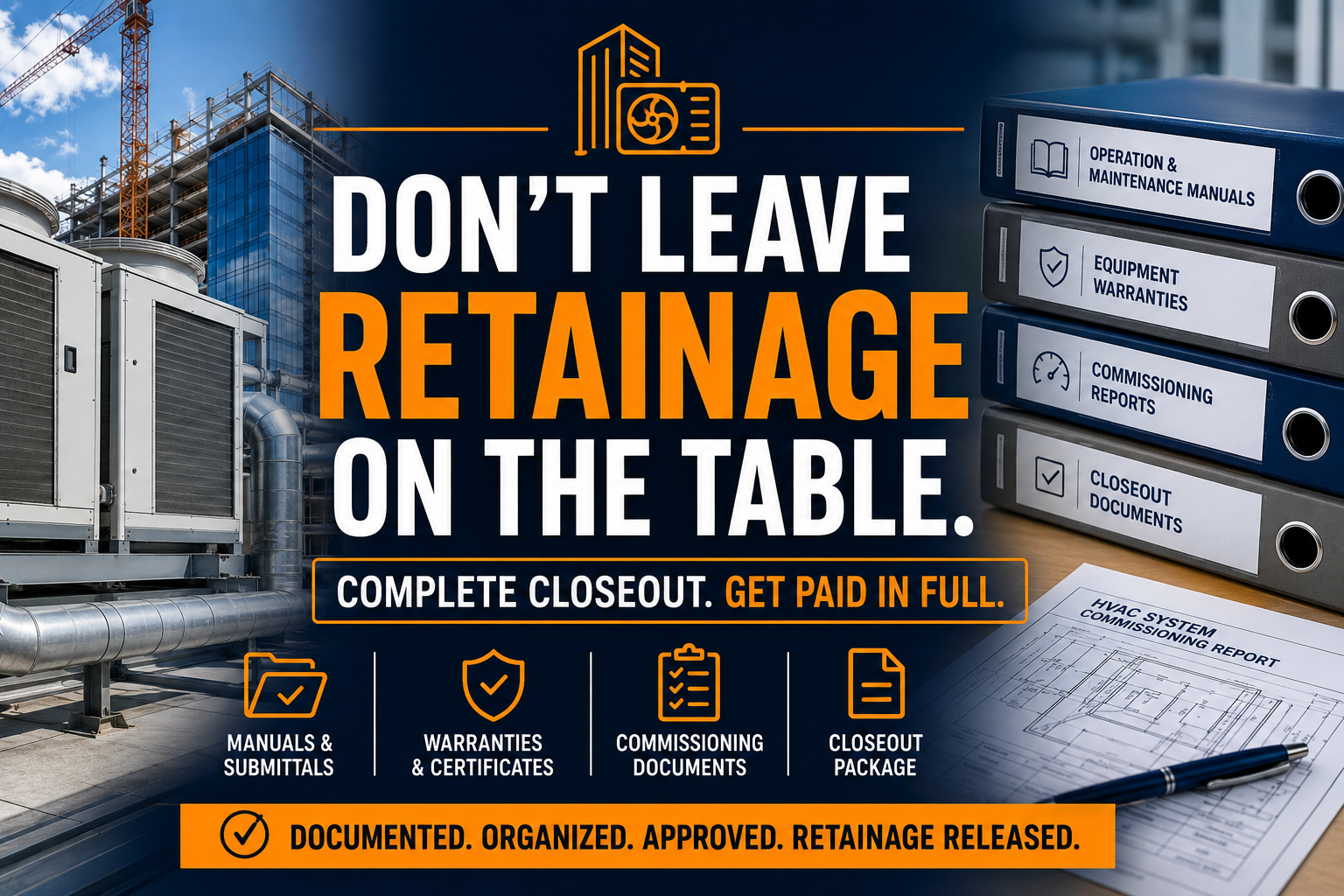
A complete commissioning package may include pre-functional checklists, startup procedures, functional performance tests, testing and balancing reports, issues logs, corrective actions, and the final commissioning report.
The assistant can request missing documents from technicians, commissioning authorities, controls contractors, equipment manufacturers, and subcontractors. They can also rename files consistently, verify that each document belongs to the correct project, and maintain a clear revision history.
Use ASHRAE commissioning resources as a reference point when your team is defining documentation expectations. Always follow the project specifications and the commissioning authority’s instructions when they differ.
4. Assemble the owner-ready package
Organize the final package by system, equipment type, or the general contractor’s required structure. A practical sequence may include:
- Cover sheet and document index
- Final equipment schedule
- Approved submittals
- Installation and startup records
- O&M manuals
- Commissioning reports
- Testing and balancing documents
- Warranty information
- As-built drawings and control sequences
- Training materials and attendance records
- Service contacts and maintenance recommendations
Deliver searchable digital files where permitted. Use a consistent naming convention, such as project number, system, document type, and revision date.
5. Track acceptance and retainage release
Sending the package is not the finish line. Track who received it, when it was submitted, what was rejected, and what remains open.
Your assistant can maintain a closeout status log and send concise follow-ups to the general contractor, owner’s representative, or commissioning authority. When the package is accepted, the assistant can prepare the administrative portion of the final billing or retainage-release request for your approval.
Keep legal, financial, and contract decisions with your authorized staff. The assistant manages the documentation trail and follow-up discipline.
What Can an HVAC Virtual Assistant Handle Daily?
A specialized closeout assistant can manage the repetitive work surrounding the technical work. Assign responsibilities such as:
- Review recently completed commercial HVAC jobs
- Compare required documents against received documents
- Request missing startup sheets and commissioning forms
- Index O&M manuals by equipment tag
- Match model and serial numbers across records
- Upload approved files to the correct project folder
- Maintain equipment warranty registers
- Submit manufacturer warranty registrations using approved data
- Save registration confirmations and reference numbers
- Track open punch-list documentation items
- Prepare owner handover folders
- Update ServiceTitan job and equipment records
- Maintain project correspondence logs
- Prepare weekly closeout status reports
- Follow up on rejected or incomplete submissions
Virtual Nexgen’s administrative support services can support this type of structured back-office workflow while your project managers retain control over technical approvals.
How Does ServiceTitan Fit Into the Closeout Desk?
ServiceTitan can support commercial HVAC documentation through equipment records, service agreements, and custom forms. Its commercial HVAC asset-management workflow can store manufacturer, model, serial number, installation date, location, and equipment tags.
A VA can help your team keep that information accurate by:
- Reviewing completed install and warranty jobs
- Checking required forms and signatures
- Comparing equipment records with nameplate photos
- Confirming that asset details are tied to the correct location
- Updating warranty dates and registration references
- Attaching approved closeout documents
- Creating follow-up reminders for training or preventive maintenance
- Preparing reports that show incomplete documentation
Use ServiceTitan’s commercial HVAC asset-management guidance when designing the workflow. Your VA should not approve technical readings, change certified commissioning data, or close a compliance issue without direction from your project lead.
Need help turning your current closeout process into a trackable queue? Book a 30-minute consultation with Virtual Nexgen Solutions and bring a sample project checklist.
What Should Stay In-House?
A closeout desk works best when you separate administrative control from technical authority.
Keep these responsibilities with your project manager, engineer, commissioning authority, or qualified field professional:
- Approving startup readings
- Certifying functional performance tests
- Resolving technical deficiencies
- Approving substitutions
- Interpreting contract language
- Signing legal documents
- Approving final payment applications
- Confirming code or authority-having-jurisdiction compliance
Delegate the coordination layer. Your HVAC virtual assistant can collect, organize, flag, route, and report. Your technical team can review and approve.
That division improves accountability without placing a nontechnical worker in a position that requires professional judgment.
Anonymous Case Study: Commercial HVAC Subcontractor in Texas
This is an illustrative, anonymized planning scenario rather than a published client result.
A Texas commercial HVAC subcontractor had 11 active projects approaching turnover. Project managers spent approximately 14 hours per week searching for manuals, chasing startup forms, and answering general contractor closeout emails.
The contractor assigned a VA 20 hours per week at $8 per hour, creating a weekly support cost of $160. The VA built a document register for 11 projects, reconciled 68 equipment records, and identified 23 missing documents during the first review cycle.
The modeled workflow reduced the internal review queue from 10 business days to 3 business days and reduced the number of packages returned for basic document gaps from 6 of 11 to 2 of 11. Technical approval stayed with the contractor’s project managers.
The point is not a guaranteed result. The point is that a consistent administrative owner can expose missing information before the final-payment conversation.
Case Study: Midwest Mechanical Contractor
This second example is also an illustrative planning scenario, not a client testimonial.
A Midwest mechanical contractor was closing seven school and municipal projects with 42 major HVAC assets. Warranty registrations were handled inconsistently, and several O&M manuals were stored in individual project-manager inboxes.
The contractor assigned a VA 25 hours per week for six weeks. The assistant created a warranty register, indexed 42 equipment records, organized 19 O&M manual files, and prepared a status summary for each project.
The modeled process moved 100% of the identified assets into a central warranty tracker and reduced weekly project-manager closeout administration from 18 hours to 6 hours. The project managers still approved warranty data and final submissions.
This is the practical value of an HVAC back-office support role: create visibility, protect technical review time, and keep documentation moving toward acceptance.
Is $8 per Hour Better Than Hiring Another In-House Administrator?
Virtual Nexgen Solutions provides VA support at $8 per hour. A full-time in-house administrative hire may cost about $60,000 per year in salary before benefits, payroll taxes, equipment, recruiting, and paid time off, depending on the role and market.
SHRM notes that the total cost of an employee commonly exceeds base salary once benefits and employer costs are included. Compare the full cost, not only the wage.
A VA may be a practical choice when you need:
- Part-time closeout support
- Seasonal project turnover assistance
- A dedicated documentation owner
- Extended coverage across multiple projects
- Support without another office workstation
- A repeatable administrative process
Start with one project type or one closeout queue. Measure document completeness, response time, rejected submissions, open items, and manager hours recovered.
How Should You Start a Closeout Desk?
Start with your last three completed commercial HVAC projects. Identify every document requested, every document submitted, every rejection, and every item that delayed final acceptance.
Then create one standard project register. Give your VA access to the approved folders, communication channels, project-management platform, and relevant ServiceTitan records. Establish clear escalation rules for technical questions.
Use Virtual Nexgen’s department overview to review how dedicated administrative support can be structured around your business processes. For broader company support, visit the Virtual Nexgen Solutions home page.
Do not wait until the last equipment startup to begin. Add the closeout checklist at project kickoff, request draft manuals early, and review documentation at each major milestone.
Ready to Release Cash Without Chasing Documents?
A dedicated HVAC virtual assistant can manage the closeout queue, organize commissioning records, maintain warranty files, and keep final-payment follow-up visible at $8 per hour.
Book a 30-minute consultation with Virtual Nexgen Solutions. Bring your current closeout checklist, project folder structure, or a recent rejected package. Use the discussion to identify what your team can delegate and what must remain under technical review.