A maintenance agreement member calls in July and says, “My spring tune-up never happened.” Your team searches the schedule. The agreement is active, but no visit was booked. The customer is frustrated, the technician calendar is packed, and the promised service window has disappeared.
This problem repeats every season. Spring cooling checks get buried under emergency calls. Fall heating tune-ups remain unscheduled until cold weather arrives. Agreements expire without a completed visit, and renewal conversations start with an apology instead of a value reminder.
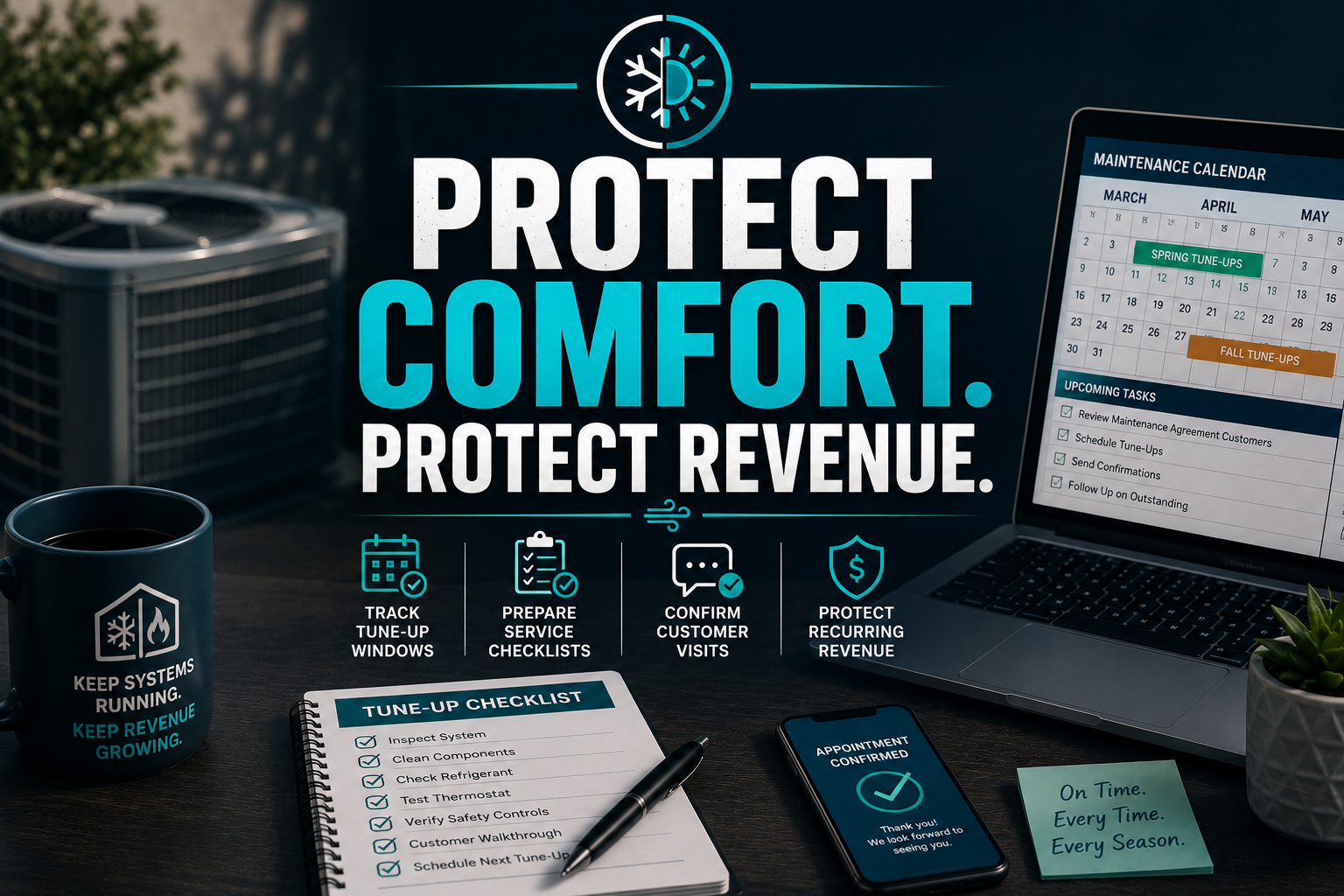
A specialized HVAC virtual assistant gives you a dedicated compliance desk for these agreements. The VA tracks each promise, schedules each seasonal visit, prepares the technician’s checklist, confirms customer access, recovers no-shows, and starts renewal follow-up before the agreement lapses.
10 Core Tasks a HVAC Virtual Assistant Handles Daily
- Review active maintenance agreements and expiration dates.
- Identify members missing spring cooling or fall heating visits.
- Schedule tune-ups inside your approved seasonal windows.
- Match appointments with technician capacity and service areas.
- Prepare equipment notes and task checklists before dispatch.
- Send appointment reminders and access instructions.
- Confirm, reschedule, and document customer responses.
- Recover canceled and missed appointments.
- Reconcile completed field checklists with agreement records.
- Start renewal follow-up 30 to 60 days before expiration.
SOPs to Keep Tune-Up Windows Compliant
Use these procedures to turn a maintenance agreement promise into a completed, documented visit.
Build the Agreement Evidence File
Goal: Create one reliable record for every active member.
- Capture the signed agreement and covered equipment.
- Record the start date, expiration date, visit frequency, and service windows.
- Add customer contact details, access notes, and preferred days.
- Store the equipment model, serial number, and service history.
- Group records into five evidence sets: agreement, customer, appointment, technician completion, and renewal.
- Flag missing or conflicting information for manager review.
Create the Seasonal Tune-Up Queue
Goal: Find unserved members before the window closes.
- Filter active agreements by spring or fall service window.
- Sort members by earliest expiration and geographic route.
- Compare required visits with completed visits.
- Assign each unserved member a scheduling status.
- Present exceptions to the service manager each morning.
- Reserve maintenance capacity before peak demand consumes the calendar.
Prepare the Technician Task Packet
Goal: Give technicians the right information before arrival.
- Pull the customer’s equipment and prior service records.
- Attach the company-approved tune-up checklist.
- Note repairs previously recommended but not approved.
- Add access, pet, gate, parking, and communication instructions.
- Confirm whether the visit covers cooling, heating, or both.
- Send the packet through the approved field-service platform.
Build your technical checklist around your company’s approved procedures and recognized guidance such as ACCA’s residential quality maintenance resources. Keep the VA focused on preparation and documentation. Keep technical diagnosis and repair decisions with qualified HVAC professionals.
Run the Confirmation Flow
Goal: Reduce preventable cancellations and access failures.
- Send the first scheduling message inside the service window.
- Offer approved appointment choices.
- Confirm the date, arrival range, equipment, and access requirements.
- Send a reminder several days before the visit.
- Reconfirm the appointment before the technician’s route is finalized.
- Record every response in the customer record.
Recover No-Shows and Cancellations
Goal: Return missed visits to the active queue quickly.
- Review canceled and missed appointments each afternoon.
- Contact the customer with two replacement options.
- Protect the agreement’s remaining service window.
- Escalate repeated access problems to the service manager.
- Update the route and technician packet after rescheduling.
- Close the exception only after the visit is completed.
Complete the Three-Way Reconciliation
Goal: Prevent false completion and undocumented service.
- Compare the signed agreement with the required visit.
- Compare the required visit with the calendar appointment.
- Compare the calendar appointment with the technician checklist.
- Investigate any missing signature, report, or status.
- Update the agreement record only after evidence matches.
- Send unresolved exceptions to the manager for approval.
Launch the 30-Day Desk Rollout
Goal: Put the compliance desk into production without disrupting service.
- Days 1–5: document agreement rules, statuses, and escalation points.
- Days 6–10: clean active member and equipment records.
- Days 11–15: build seasonal queues and message templates.
- Days 16–20: pilot the workflow with one service area.
- Days 21–25: review completion, no-show, and response metrics.
- Days 26–30: expand the process and set weekly manager reviews.
Define responsibility clearly. The VA owns records, reminders, queues, and follow-up. The dispatcher owns route placement. The technician owns field completion and technical notes. The service manager owns exceptions, pricing, repairs, and customer escalations.
A practical dashboard should show active agreements, visits due, visits completed, overdue visits, no-shows, renewal opportunities, and unresolved exceptions.
What does the staffing math look like?
Virtual Nexgen Solutions provides specialized support at $8 per hour. Even 20 hours per week gives you a focused desk for agreement tracking, scheduling, confirmations, and renewals.
An in-house HVAC office coordinator or service administrator may cost roughly $40,000 to $55,000 per year before benefits, payroll taxes, recruiting, training, and coverage during vacations. Compare that fixed cost with the exact hours your seasonal workload requires. Use BLS wage information for heating, air conditioning, and refrigeration mechanics to model field labor separately from administrative support.
Industry Software Mastered by Our Virtual Assistants
- ServiceTitan: Maintain agreement records, monitor due visits, prepare job notes, review appointment statuses, and flag renewal opportunities.
- Housecall Pro: Manage recurring jobs, customer reminders, signed agreements, service notes, and rescheduling queues.
- Jobber: Update client records, organize recurring visits, send confirmations, and track follow-up tasks.
- Google Workspace: Maintain shared calendars, agreement trackers, checklists, email templates, and manager reports.
- DocuSign: Track signed maintenance agreements and identify incomplete documents.
- Mailchimp or similar email tools: Prepare seasonal reminders, renewal messages, and service follow-up campaigns.
Use ENERGY STAR maintenance guidance as a customer-education reference. Keep claims accurate and avoid promising savings that your technicians have not measured.
Why HVAC Companies Choose Virtual Nexgen Solutions
Virtual Nexgen Solutions combines administrative discipline with industry-specific workflow design. Your VA does not simply answer emails. The VA learns your maintenance agreement terms, seasonal capacity, service areas, escalation rules, and software. That context helps your service manager see problems before they become customer complaints.
Anonymized case study 1: residential HVAC contractor in Texas. The contractor had 428 active agreements and no dedicated renewal desk. After a VA cleaned the records and created spring and fall queues, 91% of spring visits were scheduled before the contractor’s preferred cutoff, compared with 64% the prior season. The team also recovered 37 canceled appointments and opened 86 renewal conversations before expiration.
Anonymized case study 2: residential HVAC contractor in Ohio. The service manager found that technicians often arrived without clear agreement notes. A VA standardized customer records and technician packets for 214 members. Within one fall cycle, documented checklist completion rose from 72% to 96%, and the office reduced unresolved maintenance exceptions from 49 to 11.
Review Virtual Nexgen Solutions’ administrative support service and administrative support department to see how a structured remote desk can fit your existing operation. You can also review this estimate follow-up workflow example for a related service-business process.
Keep your service promises visible
Treat each maintenance agreement as an operational commitment, not just a recurring charge. Track the seasonal window, prepare the field team, confirm the homeowner, reconcile the evidence, and begin renewal outreach while the value is still fresh.
Book a 30-minute consultation with Virtual Nexgen Solutions to review your tune-up and maintenance agreement desk.
FAQ
What is an HVAC virtual assistant?
An HVAC virtual assistant is a remote professional who supports HVAC office operations, including maintenance agreement tracking, tune-up scheduling, customer reminders, data entry, renewal follow-up, and technician packet preparation. The VA handles administrative workflows while your service manager and technicians retain responsibility for dispatch decisions, technical work, repairs, and escalations.
How much does an HVAC virtual assistant cost?
Virtual Nexgen Solutions provides HVAC virtual assistant support at $8 per hour. Your total cost depends on the hours and tasks assigned. Compare that flexible expense with an in-house coordinator costing approximately $40,000 to $55,000 annually before benefits, payroll taxes, recruiting, training, and paid time off.
What does an HVAC virtual assistant do?
An HVAC virtual assistant tracks maintenance agreements, identifies overdue tune-ups, schedules spring and fall visits, prepares technician notes, sends reminders, manages cancellations, updates ServiceTitan or Housecall Pro, and begins renewal follow-up. The VA can also maintain customer records, organize signed documents, and prepare weekly service-manager reports.
Can an HVAC virtual assistant schedule maintenance agreements?
Yes. An HVAC virtual assistant can schedule maintenance agreement visits inside your approved service windows, match appointments with route and capacity rules, confirm customer access, and update the field-service platform. Your dispatcher or service manager should approve exceptions, emergency changes, route overrides, and any promise outside the written agreement.
How can HVAC contractors prevent missed tune-ups?
HVAC contractors can prevent missed tune-ups by creating a seasonal agreement queue, recording service windows, reviewing unserved members weekly, reserving maintenance capacity, sending reminders, preparing technician checklists, and reconciling agreement records with completed field documentation. Start renewal outreach 30 to 60 days before expiration to create time for recovery.
What software can an HVAC virtual assistant use?
An HVAC virtual assistant can support ServiceTitan, Housecall Pro, Jobber, Google Workspace, DocuSign, Mailchimp, and similar tools. Typical work includes updating customer records, reviewing recurring jobs, preparing calendars, tracking signed agreements, sending approved messages, documenting appointment outcomes, and flagging exceptions for your service manager.
Is an HVAC virtual assistant worth $8 an hour?
An HVAC virtual assistant may be worthwhile when missed tune-ups, weak renewal follow-up, and incomplete records consume manager time or reduce recurring revenue. At $8 per hour, you can test a defined workflow with limited hours before expanding support. Measure completed visits, no-show recovery, renewal conversations, and exception closure.
How do I hire an HVAC virtual assistant?
Start by listing your maintenance agreement rules, software, service windows, escalation points, and weekly workload. Then choose a provider that can train the VA on your workflow, protect account access, provide activity reporting, and support quality reviews. Schedule a consultation with Virtual Nexgen Solutions to discuss your requirements.