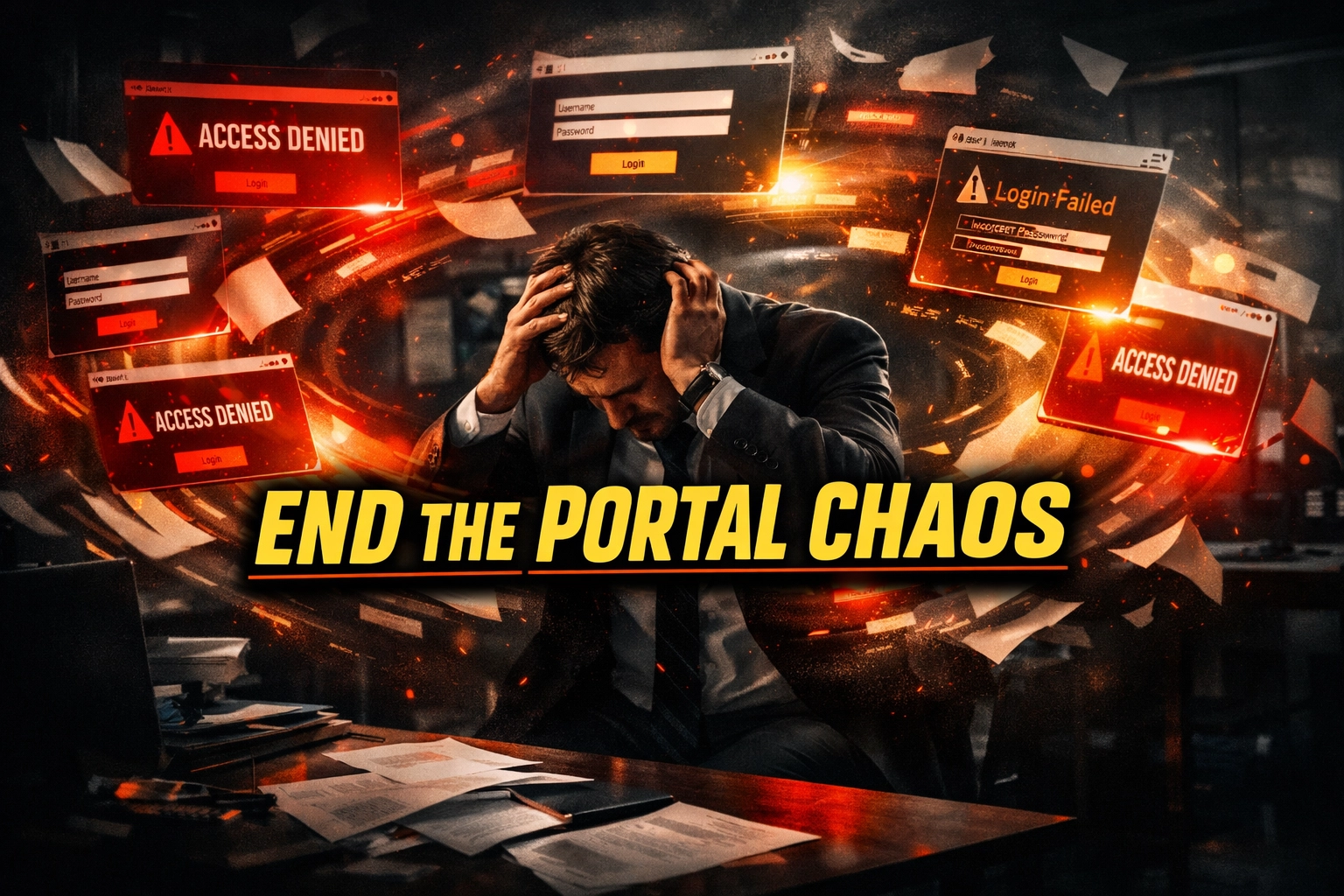
For the modern independent insurance agency, the promise of a "streamlined" digital workflow has become a double-edged sword. In 2026, the average broker works with dozens of carriers, each with its own proprietary portal, unique login requirements, and specific data entry quirks. This has birthed a phenomenon known as Carrier Portal Fatigue.
While these portals are necessary for quoting and binding, they have created a massive disconnect. Information lives in the carrier’s system but often fails to reach the Agency Management System (AMS). When data stays siloed in a portal, your agency loses its single source of truth. You lose visibility on renewals, you miss cross-sell opportunities, and you open the door to E&O (Errors and Omissions) risks.
Agency owners are no longer looking for "helpers", they are looking for "Technical Fixers." These are specialized Insurance Virtual Assistants who spend their days manually bridging the gap between carrier portals and your internal records.
The High Cost of the "Information Gap"
If you aren't actively managing the transfer of data from carrier portals to your AMS, you are leaking revenue. A policy bound in a portal that isn't updated in your management system is a ghost policy. You can't track it, you can't service it efficiently, and you certainly can't defend it easily during a claim dispute.
When your high-value producers are stuck logging into Progressive, Travelers, or Liberty Mutual just to download a policy jacket or verify a payment, they aren't selling. They are performing $8-an-hour manual labor while being paid $100,000 salaries. The math simply doesn't work.
6 Daily Pain Points of the Modern Insurance Agency
- Login Overload: Managing 20+ different carrier credentials and dealing with constant password resets and multi-factor authentication (MFA) interruptions.
- Double Data Entry: Entering client information into a rater or carrier portal, then having to re-type that same information into the AMS because the two systems don't talk to each other.
- Missing Document Trails: Policy documents, endorsements, and cancellation notices sitting in a carrier portal inbox rather than being attached to the client file in your system.
- Renewal Blindness: Not knowing a client’s premium has spiked until the client calls to complain, because the renewal data was never manually audited from the portal.
- COI Bottlenecks: Commercial clients demanding Certificates of Insurance (COIs) immediately, while your staff is bogged down in backend carrier submissions.
- Incomplete Client Profiles: Having a "Swiss Cheese" database where half the policy details are missing, making it impossible to run accurate reports for growth.
Why a Human "Technical Fixer" is the Solution
In an industry governed by strict compliance and nuanced underwriting, you cannot rely on "set it and forget it" solutions. You need a human touch. A Technical Insurance Virtual Assistant from Virtual Nexgen Solutions acts as the human bridge. They manually log in, navigate the specific labyrinth of each carrier’s site, extract the necessary data, and precisely input it into your system.
At just $8 per hour, these assistants handle the technical "grunt work" that keeps an agency healthy. They don't just "do tasks", they maintain the integrity of your entire book of business.
10 Tasks an Insurance Virtual Assistant Manages Manually
- Carrier Portal Data Entry: Manually moving application data from your internal forms into various carrier quoting engines.
- Policy Downloads & Filing: Regularly logging into portals to download issued policies and manually uploading them to the correct client folder in your AMS.
- COI Processing: Receiving requests, verifying coverage limits, and manually issuing Certificates of Insurance via the carrier portal or AMS.
- Endorsement Processing: Taking change requests (like adding a vehicle or changing a mortgage clause) and manually executing the change in the carrier portal.
- Evidence of Insurance (EOI): Providing proof of insurance to lenders and lienholders manually upon request.
- Renewal Auditing: Comparing the expiring policy against the new renewal quote in the portal to identify significant rate increases.
- Cancellations & Reinstatements: Manually tracking non-pay notices and updating the status in the AMS to ensure no one is driving uninsured.
- New Business Submissions: Uploading required documents (No Loss letters, photos, prior declarations) to carrier underwriters.
- Claims Intake: Manually recording initial claim details from a client and submitting them through the appropriate carrier portal.
- Commission Reconciliation: Manually checking carrier commission statements against the expected revenue in your agency records.
Step-by-Step Technical Workflows (SOPs)
To give you an idea of the precision our Technical Fixers provide, here are the manual workflows they execute daily:
SOP 1: Manual Policy Sync (Portal to AMS)
- Login: Access the carrier portal using the agency’s secure credentials.
- Locate: Search for the specific policy number or client name in the carrier’s "Issued Business" section.
- Download: Save the Policy Declaration page and all relevant forms as a combined PDF.
- Verify: Manually check that the premium on the document matches the quote previously recorded.
- Upload: Log into the AMS (e.g., AMS360 or Applied Epic) and navigate to the client’s policy tab.
- Data Entry: Manually update the "Policy Status" to Active and enter the new expiration date.
- Attach: Drag and drop the PDF into the client’s document management section with the correct naming convention.
SOP 2: Commercial COI Manual Issuance
- Receive Request: Open the COI request email from the client or certificate holder.
- Verify Coverage: Check the AMS to ensure the policy is active and has the required limits (e.g., $1M/$2M).
- Portal Navigation: Log into the specific carrier portal that holds the General Liability or Workers' Comp policy.
- Input Holder Info: Manually type the Certificate Holder’s name, address, and email into the carrier’s COI generator.
- Download & Send: Generate the COI, download the PDF, and manually email it to the holder while CCing the client.
- Log: Record the issuance of the COI in the AMS "Activity" log for E&O protection.
SOP 3: Personal Lines Endorsement (Vehicle Change)
- Review Request: Check the agent’s notes for the new vehicle's VIN, year, make, and model.
- Carrier Entry: Log into the personal lines carrier portal (e.g., Farmers or Progressive).
- Execute Change: Navigate to "Endorse Policy," enter the VIN, and manually select the requested coverages (Comp/Coll).
- Review Quote: Check the premium difference and notify the agent if the increase is higher than 10%.
- Submit: Click "Submit Change" in the portal.
- Update AMS: Manually add the new vehicle to the "Auto" tab in the AMS and update the scheduled premium.
Software Expertise
Our Virtual Assistants are trained to operate manually within the industry’s most critical software environments:
- AMS: Vertafore (AMS360, Sagitta), Applied Systems (Epic, TAM), EZlynx, HawkSoft.
- Carrier Portals: Farmers Dashboard, Progressive For Agents, Travelers Forged, Liberty Mutual eService.
- Rating Tools: PL Rating, ITC TurboRater.
- CRM/Communication: RingCentral, HubSpot, Salesforce.
The Risks of Postponing This Hire
Every day you wait to hire a Technical Fixer, your data debt grows.
- Increased E&O Exposure: If a VA isn't manually checking your systems, you may have "active" policies in a portal that are "expired" in your AMS.
- Agent Burnout: Your best sales talent will leave if they are forced to do manual data entry 4 hours a day.
- Lost Renewals: Without manual renewal tracking, you won't know a client is leaving until they've already signed with a competitor.
The "Technical Fixer" approach ensures that your agency remains human-led and data-accurate. For just $8 per hour, you can reclaim your time and ensure your backend is as professional as your frontend.
Ready to clear the portal fatigue and get your agency back on track?
Book a 30-minute Strategy Call with Virtual Nexgen Solutions
Frequently Asked Questions
1. How do you handle MFA (Multi-Factor Authentication) for carrier portals?
Our VAs work in real-time coordination with your office. We typically use shared access tools or dedicated browser extensions that allow the VA to request the code, which your team can provide via a quick internal chat like Slack or Teams.
2. Can an Insurance VA handle Farmers Insurance specific portals?
Yes. We specialize in supporting Farmers Insurance agencies by manually navigating the Dashboard and ensuring all client data is correctly synced between the carrier and your local tracking systems.
3. Is my client data safe with a Virtual Assistant?
Absolutely. We prioritize security by using your agency’s preferred secure login methods. Our VAs work within your environment, meaning data never leaves your controlled systems.
4. Do they handle both Personal and Commercial lines?
Yes. Whether it’s manually entering a complex Workers' Comp submission or simply updating a homeowners policy address, our VAs are trained in the technical nuances of both sectors.
5. How much does an Insurance Virtual Assistant cost?
At Virtual Nexgen Solutions, our technical virtual assistants are available for a flat rate of $8 per hour, with no hidden fees or long-term contracts.
6. Do I need to provide the SOPs?
While we have standard manual workflows for most common tasks, we always adapt to your agency’s specific way of doing things. We can help document your unique processes as we go.
7. How quickly can a VA start?
We can usually have a Technical Fixer integrated into your workflow within 48 to 72 hours after our initial strategy call.