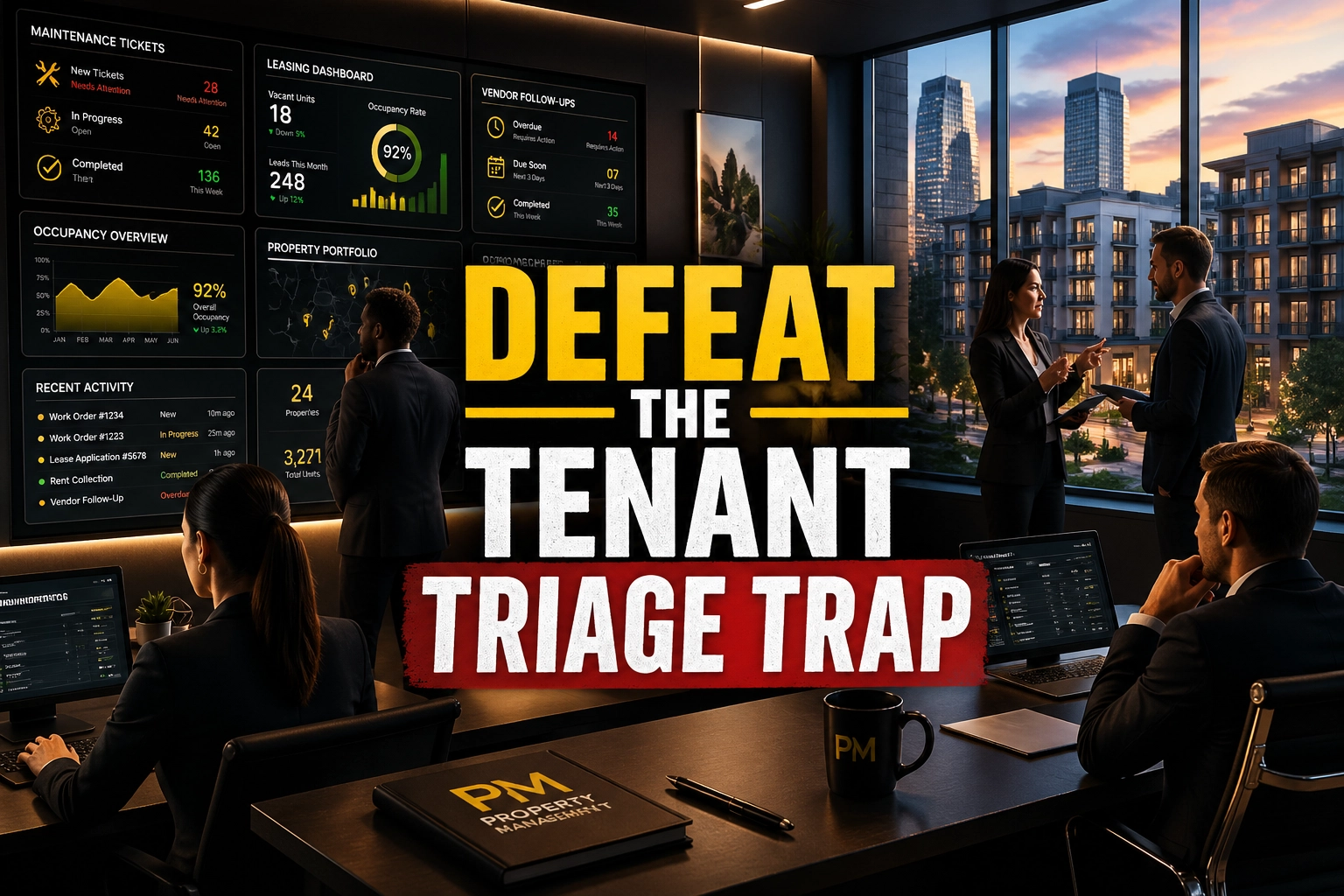
Property management growth breaks when the office turns into a nonstop dispatch desk. In 2026, the biggest portfolio bottleneck is the Tenant Triage Trap: the manual maintenance coordination loop where emergencies, follow-ups, missed vendor callbacks, and resident updates eat as much as 40% of staff time and keep leadership stuck in reaction mode.
You did not build a property management company to spend your day chasing plumbers, calming anxious tenants, and checking whether a work order was ever closed. You built it to protect NOI, increase occupancy, win more doors, and retain owners.
The problem is simple. Every maintenance request creates three more tasks behind it: vendor outreach, tenant communication, and owner visibility. Multiply that across turnovers, renewals, delinquencies, leasing inquiries, screening, and compliance, and your staff becomes a triage team instead of a growth team.
That is why the 2026 Property Management VA Playbook matters. A trained human Property Management Virtual Assistant gives your business the administrative engine needed to standardize intake, speed vendor coordination, tighten screening, and keep your portfolio moving without more 2 AM chaos. When supported by modern property management platforms such as AppFolio, VAs can also work inside emerging workflows like Autonomous Property Agents and Maintenance Performer follow-up systems to keep tasks moving, vendors accountable, and residents informed.
If your portfolio has stalled, do not blame the market first. Audit the back office first. The managers who scale from 50 doors to 500 doors usually solve the same problem early: they stop running the portfolio through founder bandwidth alone.
The High Cost of the "DIY" Mentality
In property management, time is leverage. When senior staff members spend hours every day acting as the front desk, maintenance dispatcher, leasing coordinator, and collections assistant, the portfolio absorbs hidden operational damage. This is where Admin Debt starts piling up. Tickets sit. Renewals slip. Screening slows down. Owners wait longer for answers. Profit leakage follows.
The cost of inaction is bigger in 2026 because operational expectations are rising. Residents expect fast communication. Owners expect tighter reporting. Vendors expect cleaner scopes and faster approvals. Meanwhile, many firms are widening a new Performance Gap. Recent market reporting shows 58% of firms are now using AI to reclaim 10+ hours per employee per week, which means speed, follow-up quality, and response expectations are changing across service businesses. Even if your operation remains human-led, your team still needs systematized workflows and dedicated support to keep up.
If you do not delegate the triage function, expect these outcomes:
- Owner churn: Owners notice delayed updates, recurring maintenance complaints, and weak vacancy control.
- Burnout: Staff members stay in constant interruption mode and make more mistakes under pressure.
- Revenue stagnation: Growth activities such as owner acquisition, retention calls, and portfolio expansion get pushed aside.
- Fraud exposure: Slow screening and weak ID verification increase the odds of bad applications slipping through.
- Vacancy drag: Unanswered leads, delayed showings, and slow turnover coordination extend days on market.
- Margin loss: Emergency dispatch mistakes, duplicate vendor contacts, and poor invoice tracking quietly erode NOI.
According to the National Association of Realtors and broader property operations trends, the strongest operators protect time for owner relationships, leasing performance, and asset growth while delegating administrative execution. The firms that standardize first usually scale faster.
6 Daily Pain Points Killing Your Growth
If your portfolio feels heavier every month, these are usually the six daily pain points behind it:
- The maintenance vortex: Fielding repair requests, deciding what is urgent, chasing vendors, and calming residents all day long.
- Rent collection friction: Sending reminders, logging promises to pay, and tracking exceptions across multiple properties.
- The FAQ loop: Repeating the same answers about parking, portal access, move-in funds, pets, and lease terms.
- Lease renewal lag: Missing the ideal 60–90 day renewal window and losing occupancy momentum.
- Vendor invoicing chaos: Matching invoices to work orders, approvals, and owner statements with gaps in the paper trail.
- Application bottlenecks: Delayed screening, incomplete documents, and identity review issues that slow approvals and extend vacancy.
These six issues look small in isolation. Combined, they create the Tenant Triage Trap. Staff members spend the day reacting, while growth work waits. That is how a healthy portfolio gets trapped at the same door count for years.
Enter the Property Management Virtual Assistant
A Property Management Virtual Assistant is not just remote admin help. They serve as the administrative engine behind a faster, cleaner, more scalable portfolio. At $8 per hour, a trained VA can take over recurring coordination work that would otherwise consume an in-house employee costing roughly $60,000 per year once salary, taxes, and overhead are considered.
Use a VA to remove the triage burden from your property managers. Put them in charge of intake, communication, follow-up, scheduling, documentation, and recurring admin. Keep your licensed or senior staff focused on owner relationships, escalations, leasing strategy, and portfolio growth.
In 2026, that role gets even more valuable because VAs can work inside modern property operations workflows, including:
- Autonomous Property Agents: platform-supported workflows that keep tasks moving across leasing, communication, and follow-up queues.
- Maintenance Performer style processes in AppFolio 2026: workflows that proactively follow up with vendors, log statuses, and help close the loop faster.
- Biometric Tenant Screening and identity verification checks: document review and ID validation steps that help slash fraud risk and reduce vacancy time by accelerating clean approvals.
- Group Rate Internet and similar ancillary income programs: recurring revenue coordination that improves resident experience and creates new profit streams for modern portfolios.
Imagine only getting involved in a maintenance issue after the ticket is categorized, the vendor is contacted, the resident is updated, and the owner has visibility. That is the value of a specialized Real Estate Virtual Assistant.
10 Specific Tasks Your VA Will Handle
- Tenant screening: Review applications, verify documents, validate identity, and coordinate approval steps.
- Maintenance coordination: Receive requests, triage urgency, contact vendors, and keep tenants updated.
- Lease administration: Prepare documents, track signatures, and update records in the PMS.
- Rent arrears management: Send reminders, log payment plans, and document communication.
- Listing management: Post and refresh vacancies on Zillow, Apartments.com, and Facebook Marketplace.
- Data entry and system updates: Keep AppFolio, Propertyware, Buildium, or Rent Manager records current.
- Owner reporting support: Prepare monthly summaries, invoice notes, and status updates for owners.
- Inbound inquiry handling: Respond to leasing leads quickly and schedule tours or pre-screening.
- Utility and recurring service coordination: Set up utility transitions, resident services, and group-rate internet enrollment tracking.
- Online review and resident communication management: Respond professionally and route issues before they escalate.
Step-by-Step SOPs: How Your VA Executes the "Triage"
To scale a portfolio, do not rely on memory. Build repeatable operating procedures. Use these SOPs to standardize how a Property Management VA handles high-friction daily work.
1. Maintenance Intake & Emergency Triage SOP
- Step 1: Monitor the maintenance portal, shared inbox, voicemail, and text line continuously during assigned coverage hours.
- Step 2: Classify each ticket immediately as emergency, urgent, or routine using your property-specific criteria.
- Step 3: Ask for photos, videos, unit number, access notes, and safety details before dispatching.
- Step 4: Run a basic troubleshooting checklist for issues like tripped breakers, GFCI resets, thermostat settings, or water shutoff location when appropriate.
- Step 5: Dispatch the approved vendor with a complete work order summary, resident contact info, and any access instructions.
- Step 6: Update the resident and property manager within the same communication thread.
- Best practice: Use one ticket owner and one time-stamped note trail to avoid duplicate dispatches.
2. Vendor Follow-Up SOP for Maintenance Performer Workflows
- Step 1: Open the active work order queue every morning and sort by aging, emergency status, and missing updates.
- Step 2: Contact vendors with open jobs and request ETA, completion status, invoice status, and parts delays.
- Step 3: Log every response in AppFolio or your PMS under the same work order.
- Step 4: Escalate stalled tickets past the internal SLA to the property manager with a clear recommendation.
- Step 5: Close the loop with the resident after the job is marked complete.
- Best practice: Follow up before the vendor goes silent. Do not wait for the resident to chase you first.
3. Biometric Tenant Screening & Identity Verification SOP
- Step 1: Receive the completed application and confirm all required documents are uploaded.
- Step 2: Review government ID, proof of income, bank statements, and rental history documents for completeness.
- Step 3: Initiate identity verification through the approved screening workflow, including biometric or identity-match checks when available in your process.
- Step 4: Flag mismatched names, altered documents, inconsistent addresses, or duplicate applicant data for manual review.
- Step 5: Request missing items immediately and keep the prospect informed on timeline.
- Step 6: Submit the clean file to the property manager for final approval.
- Best practice: Move fast on clean files. Slow screening extends vacancy and gives better applicants time to lease elsewhere.
4. Lease Renewal SOP
- Step 1: Pull a report of leases expiring in the next 90 days.
- Step 2: Segment leases into renew, renegotiate, or market-for-turnover categories.
- Step 3: Prepare renewal notices with updated rent, term options, and deadline dates.
- Step 4: Send the notice through the portal, email, and text if permitted by policy.
- Step 5: Track responses and trigger follow-up every 5 to 7 days until resolved.
- Step 6: Route signed documents for final approval and update the PMS.
- Best practice: Start renewals early. The first missed week often becomes the reason a unit goes vacant.
5. Delinquency Management SOP
- Step 1: Run the balances-due report on the agreed schedule.
- Step 2: Send friendly reminders first, then formal notices according to local rules and your management policy.
- Step 3: Document every call, text, and payment promise inside the tenant record.
- Step 4: Notify the property manager about repeat offenders or high-risk accounts.
- Step 5: Track payment plans and follow up before due dates are missed again.
- Best practice: Keep communication consistent and documented. Clean records protect the portfolio during escalations.
6. Prospect Lead Capture SOP
- Step 1: Monitor all listing channels for incoming leads.
- Step 2: Respond quickly with availability, qualification criteria, and a pre-screening form.
- Step 3: Filter for income, occupancy, credit, pet, and move-in timing requirements.
- Step 4: Schedule tours or next steps directly on the shared calendar.
- Step 5: Follow up the same day after the showing to push the application forward.
- Best practice: Speed wins leases. A slow first response is often a lost lease.
7. Listing Refresh SOP
- Step 1: Review every active listing for stale copy, outdated photos, and incorrect availability dates.
- Step 2: Update rent, concessions, amenities, and application links consistently across platforms.
- Step 3: Reorder photos to feature the strongest visual first.
- Step 4: Refresh syndication notes and repost when platform rules allow.
- Best practice: Treat stale listings as hidden vacancy costs.
8. Move-Out Coordination SOP
- Step 1: Receive move-out notice and confirm final possession date.
- Step 2: Send move-out instructions, utility guidance, and key return details.
- Step 3: Schedule inspection, cleaning, lock changes, and any turnover vendors in sequence.
- Step 4: Collect photos, invoices, and inspection notes in one folder.
- Step 5: Prepare the deposit disposition package for review.
- Best practice: Sequence vendors before the unit turns. Empty days are profit leakage.
9. Owner Update SOP
- Step 1: Review open maintenance, leasing activity, delinquency, and renewal status for each property.
- Step 2: Build a concise owner summary with key actions, pending decisions, and financial notes.
- Step 3: Send updates on the agreed cadence and log questions for follow-up.
- Best practice: Prevent owner anxiety with proactive visibility.
10. Group Rate Internet Enrollment SOP
- Step 1: Identify eligible communities and confirm provider rules, pricing, and resident enrollment steps.
- Step 2: Build a resident communication template explaining the service, benefits, billing structure, and support path.
- Step 3: Track opt-ins, move-ins, move-outs, and service exceptions in a master sheet or PMS note set.
- Step 4: Reconcile enrollment records against the provider report each month.
- Best practice: Treat recurring service programs like operating income lines, not side projects.
11. Invoice Reconciliation SOP
- Step 1: Match each vendor invoice to the related work order and approval note.
- Step 2: Flag mismatched pricing, missing notes, or duplicate charges before sending for payment.
- Step 3: Code the invoice to the correct property and owner statement category.
- Best practice: Catch errors before statement day, not after the owner asks.
12. Resident Communication SOP
- Step 1: Use approved templates for common requests such as portal help, maintenance updates, parking, and lease questions.
- Step 2: Personalize the message with unit details, timelines, and next steps.
- Step 3: Escalate emotional or legal-risk conversations quickly to the property manager.
- Best practice: Keep tone calm, clear, and documented. Good communication prevents small issues from becoming owner complaints.
Software Mastery: The Tools Your VA Uses
A strong Property Management VA should already be comfortable with the core stack used by modern portfolios. The most relevant platforms include:
- AppFolio: Work orders, leasing, communications, owner statements, and vendor follow-up workflows.
- Buildium: Leasing, resident communications, accounting support, and portfolio reporting.
- Propertyware: Single-family portfolio management, maintenance, owner communication, and operational tracking.
- Rent Manager: Accounting, property records, service requests, and reporting.
- ShowMojo or Rently: Showing coordination, inquiry management, and scheduling.
- TenantCloud: Screening, leasing admin, and communication for smaller or growing portfolios.
Use the right tools, but focus on the right process first. Software helps only when someone owns the workflow every day.
Why This Matters More in 2026
Property management is moving toward faster follow-up, tighter screening, cleaner data, and more disciplined recurring revenue management. Firms that embrace Autonomous Operations are not replacing the human layer. They are strengthening it with better systems, better follow-through, and better admin coverage.
That includes new operational opportunities many firms still overlook:
- Biometric tenant screening and identity verification help reduce fraud, cut document review delays, and move qualified applicants through faster.
- Maintenance Performer style workflows reduce vendor drift by making follow-up a daily operational habit instead of a reactive scramble.
- Group rate internet and similar resident service programs create predictable recurring revenue while improving the resident move-in experience.
- Autonomous Property Agents create more structured task flows, but a disciplined human VA is still what keeps the work accurate, documented, and finished.
If you ignore these changes, the result is simple: more Admin Debt, more Profit Leakage, more vacancy drag, and more frustrated owners.
Why Virtual Nexgen Solutions Fits This Model
Many VA companies sell general support. Property management needs process support. That means the person handling your back office must understand leasing timelines, maintenance escalation logic, vendor communication, resident expectations, and owner visibility.
Virtual Nexgen Solutions provides human VAs built for operational support roles in service-heavy industries. For property managers, that means a trained assistant who can step into recurring workflows, follow SOPs, keep your systems updated, and protect your team’s time.
At $8 per hour, the math is straightforward. A dedicated VA can help reclaim dozens of admin hours each month for a fraction of the cost of an in-house admin role at around $60k per year. More importantly, those recovered hours can be redirected into owner retention, leasing performance, maintenance control, and portfolio growth.
If your team is stuck in the Tenant Triage Trap, fix the operating model before hiring more expensive chaos.
To see how a property management VA could fit your workflow, book a 30-minute strategy session here.
Frequently Asked Questions
1. What is the Tenant Triage Trap in property management?
It is the cycle where manual maintenance coordination, resident updates, vendor chasing, and admin follow-up consume a huge portion of staff time. In many firms, this work absorbs up to 40% of the day and blocks growth tasks.
2. How does a Property Management VA help with maintenance requests?
A VA receives the request, categorizes urgency, gathers photos and details, dispatches approved vendors, updates the resident, logs notes in the PMS, and follows up until the ticket is closed.
3. Can a VA support biometric tenant screening and identity verification?
Yes. A VA can manage the document intake, verify completeness, initiate approved identity verification steps, flag inconsistencies, and route clean files for final approval. This helps reduce fraud risk and shortens vacancy time.
4. What are Autonomous Property Agents and why do they matter?
They are platform-supported workflows that help move tasks, reminders, and follow-ups across leasing and maintenance operations. They matter because they improve consistency, but they still need a human operator to review details, communicate clearly, and finish the process correctly.
5. Can a VA work inside AppFolio and similar property management software?
Yes. Experienced VAs can work in AppFolio, Buildium, Propertyware, Rent Manager, TenantCloud, and showing platforms like ShowMojo or Rently, depending on your stack and permissions.
6. How do VAs help reduce 2 AM maintenance chaos?
They build cleaner intake systems, standardize emergency routing, keep vendor lists current, document every step, and make sure the right issue reaches the right person quickly. That reduces after-hours confusion and improves next-morning resolution.
7. What is group rate internet and how can a VA support it?
Group rate internet is a resident service program where internet access is bundled at the property or portfolio level. A VA can support enrollment tracking, resident communication, provider coordination, billing support, and exception management.
8. How much does a Property Management VA cost?
Virtual Nexgen Solutions offers specialized VAs at $8 per hour, which is a cost-effective option compared with hiring a full-time in-house admin role that can cost around $60k per year.