A Restoration Virtual Assistant helps restoration companies capture jobs faster, protect insurance documentation, support 24/7 dispatch, and keep Xactimate, Encircle, and field communication moving without burning out the owner. In 2026, the shops that scale are not just the ones with more trucks. They are the ones with a stronger invisible operating system behind every job.
That invisible operating system is no longer just software. It is a trained human who connects emergency intake, tech updates, moisture logs, photo files, customer communication, and carrier-facing documentation into one clean workflow.
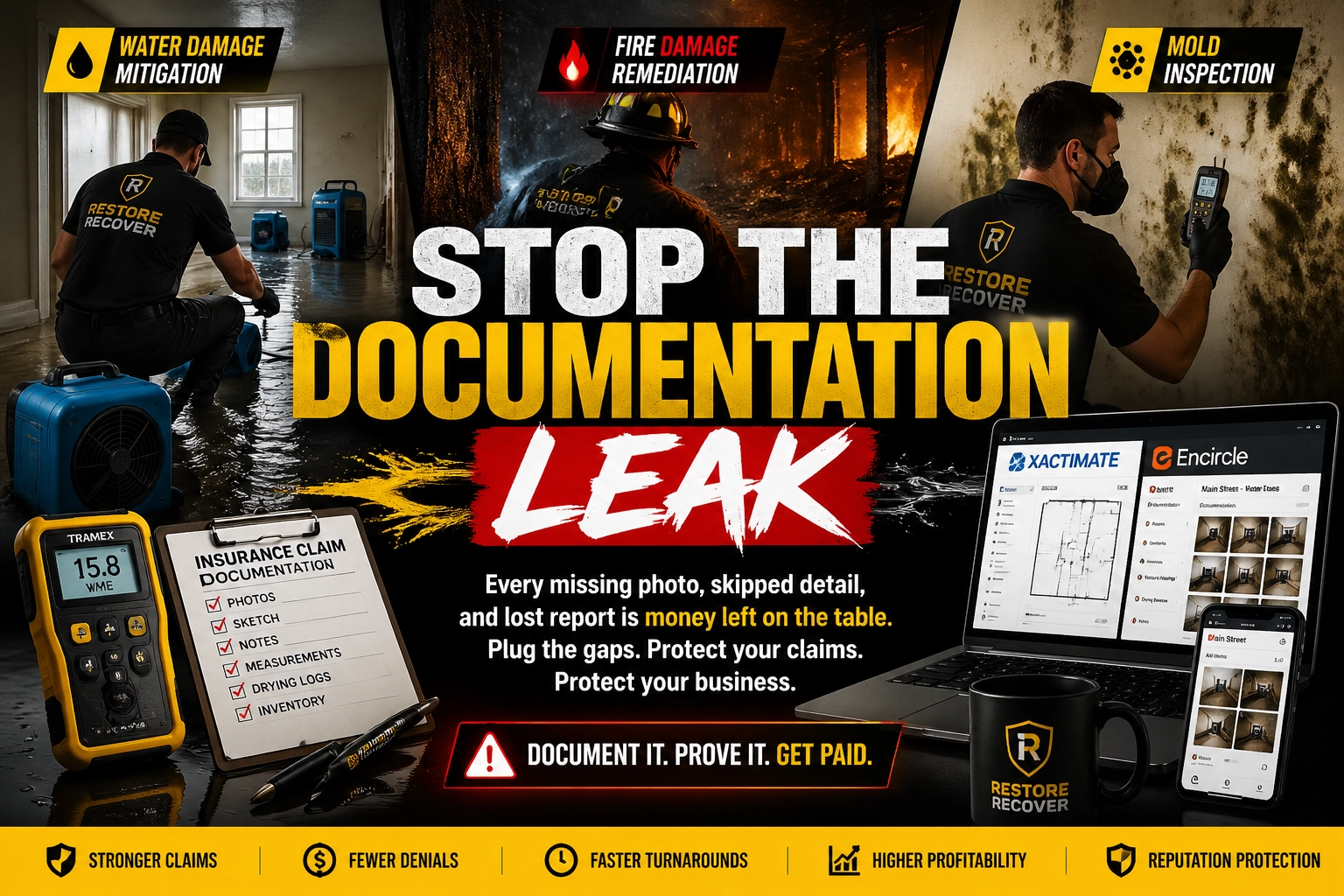
If your team handles water damage, fire remediation, or mold jobs, this matters. Missing one photo set, one moisture reading, or one supplement follow-up can delay payment, cut approved scope, or damage your reputation with referral partners. That is the documentation leak, and it quietly drains profit from good restoration companies every week.
Why restoration companies are rethinking operations in 2026
The restoration market moves fast. Homeowners expect immediate answers. Insurance carriers expect complete files. Referral partners expect consistent updates. Meanwhile, owners still end up answering emergency calls at midnight, chasing technicians for missing photos, and cleaning up admin debt long after the dehumidifiers are gone.
That is why more restoration businesses are using a Restoration Virtual Assistant as the orchestrator between office systems and field execution.
A specialized human VA does not replace your estimator, project manager, or field lead. They support them. They keep the moving parts connected. They systematize the handoffs between the first call, the site visit, the estimate file, the supplement trail, and the final payout packet.
This is especially important as speech-to-scope technology and 360 imagery coordination become more common in restoration workflows. Those tools only help when someone organizes the inputs, names files correctly, routes them to the right job, and follows through until the claim file is complete.
The documentation leak: where restoration profit quietly disappears
Restoration companies rarely lose money because they do bad work. They lose money because the file behind the work is incomplete, delayed, or disorganized.
A missing drying log can weaken a water mitigation invoice. Unlabeled photos can create doubt around demolition scope. Late uploads can slow adjuster review. Weak communication can trigger complaints during already stressful jobs.
That is profit leakage.
It also builds admin debt. Every incomplete file pushes more cleanup work onto the owner, estimator, or office manager later. By then, details are fuzzy, techs are on other jobs, and collecting the missing information becomes harder and more expensive.
6 daily pain points restoration owners deal with
- Missed after-hours emergency calls. Lose high-value jobs because nobody handles intake when the office is closed.
- Unorganized field documentation. Receive dozens or hundreds of photos with no labels, no sequence, and no easy way to defend the claim.
- Incomplete moisture logs and drying records. Create billing disputes when readings are missing or inconsistent.
- Slow estimate support and supplement follow-up. Wait too long to move files through Xactimate or carrier review.
- Customer update gaps. Trigger frustration when homeowners do not know arrival times, next steps, or billing status.
- Owner burnout from constant dispatch and file cleanup. Stay stuck in the truck, on the phone, and in the inbox instead of growing the business.
What a Restoration Virtual Assistant actually does
A Restoration Virtual Assistant acts as the administrative engine behind your mitigation and remediation jobs. They support dispatch, documentation, file readiness, customer communication, estimate preparation support, and claim follow-up.
They are especially useful for businesses handling:
- Water damage mitigation
- Fire and smoke remediation
- Mold inspection coordination and remediation support
At Virtual Nexgen Solutions, specialized restoration VAs work for $8/hour, which is a fraction of the cost of a full-time in-house admin role that can easily run about $60,000 per year after salary, taxes, training, and overhead.
10 specific tasks a restoration VA can handle
- Answer inbound emergency calls and complete first notice of loss intake
- Dispatch on-call technicians and send ETA updates to customers
- Create job files in platforms like Encircle, Dash, or JobNimbus
- Organize before, during, and after photos with consistent naming rules
- Collect, review, and upload moisture logs and drying records
- Prepare estimate support files for Xactimate and supplement review
- Coordinate speech-to-scope notes and route them into the right job records
- Manage 360 imagery coordination and link captures to the proper claim file
- Follow up with carriers, adjusters, and customers on pending documentation
- Collect certificates of satisfaction, invoices, and final closeout paperwork
The invisible operating system: why human coordination matters
Software does not fix incomplete workflows. A great restoration stack still breaks when no one owns the details.
Your VA becomes the invisible operating system behind the business. They sit at the center of the workflow and connect the moving parts:
- The caller who needs help now
- The on-call technician who needs a clean dispatch handoff
- The project manager who needs organized job notes
- The estimator who needs complete support files
- The adjuster who needs documentation that makes sense
- The owner who needs sleep and room to grow
In practical terms, this means your VA keeps Xactimate, Encircle, your phone system, and your field tech activity aligned instead of scattered.
12 tactical SOPs for restoration companies
Below are 12 action-first SOPs a specialized Restoration Virtual Assistant can run to keep jobs moving and claims protected.
1. Emergency call intake SOP
- Answer every inbound call with a calm, scripted opening.
- Capture property address, caller name, phone number, and source of loss.
- Confirm whether the loss involves water, fire, smoke, or mold.
- Ask when the damage started and whether active damage is still occurring.
- Enter all details into the CRM immediately.
- Flag emergency severity and route the call for dispatch.
- Text the customer a confirmation with next-step expectations.
2. 24/7 dispatch coordination SOP
- Check the on-call technician schedule.
- Contact the assigned tech through the approved dispatch channel.
- Share address, damage type, special instructions, and customer contact details.
- Record dispatch time in the job file.
- Send ETA to the customer.
- Follow up if the tech has not confirmed within the required time window.
- Escalate to backup coverage if needed.
3. Job file creation SOP
- Open the job in Encircle, Dash, JobNimbus, or your chosen platform.
- Add policyholder details, claim number, carrier, and referral source.
- Upload signed work authorization or send it for digital signature.
- Create standardized folders for photos, logs, notes, and invoices.
- Add the assigned PM or estimator.
- Link all communication records to the file.
- Audit the file before the end of the shift.
4. Photo documentation SOP
- Review incoming photos the same day they are uploaded.
- Sort photos into before, during, and after categories.
- Rename each batch by room, damage type, and stage.
- Flag blurry, duplicate, or missing angles immediately.
- Request missing documentation while the technician is still nearby.
- Upload the approved photo set into the correct job folders.
- Note any claim-critical images for estimate support.
5. Moisture log control SOP
- Collect daily readings from the field team at a set cutoff time.
- Verify room names, dates, and equipment references are complete.
- Compare readings to the dry-down plan.
- Flag inconsistencies or missing entries right away.
- Upload the logs to the job file in chronological order.
- Notify the PM of any trend that may affect scope or billing.
- Prepare a clean packet for carrier review if requested.
6. Xactimate estimate support SOP
- Open or prepare the claim shell with correct customer and carrier information.
- Confirm price list, loss date, and claim identifiers.
- Attach organized photos, moisture logs, and field notes.
- Route speech-to-scope notes to the estimator in a clean format.
- Highlight open questions or missing supporting evidence.
- Track estimate status in the CRM.
- Follow up on pending review items every 48 hours.
7. Supplement follow-up SOP
- Record each supplement submission date.
- List the reason for the supplement in plain language.
- Attach supporting documents and photos.
- Contact the adjuster on the set follow-up schedule.
- Log every call, voicemail, and email outcome.
- Alert the PM if additional documentation is requested.
- Update the file until approval or revision is complete.
8. 360 imagery coordination SOP
- Receive 360 capture files or vendor links from the field.
- Match each file to the right property and claim.
- Verify naming structure and room coverage.
- Upload or link files into the job record.
- Notify the estimator that imagery is ready for review.
- Store backup access in the approved folder system.
- Confirm the imagery supports disputed or high-value areas.
9. Customer communication SOP
- Send a welcome message after first contact.
- Confirm technician ETA and arrival window.
- Provide one clear daily update during active mitigation.
- Answer non-technical customer questions quickly.
- Escalate scope or safety questions to the PM.
- Schedule final walkthrough communication.
- Request a certificate of satisfaction once the job is complete.
10. TPA and compliance update SOP
- Review portal deadlines and open tasks at the start of each shift.
- Update milestones such as contact made, inspection completed, and job status.
- Keep file notes professional and complete.
- Upload required forms before portal cutoffs.
- Check for red flags or compliance alerts.
- Escalate any missed milestone risk immediately.
- Close the portal file only after a full documentation audit.
11. Final invoice and payout packet SOP
- Confirm the approved scope matches the billing packet.
- Gather invoice, photos, logs, certificate of satisfaction, and notes.
- Review file completeness before submission.
- Send the payout packet to the correct carrier or payer contact.
- Copy the homeowner when appropriate.
- Track submission date and follow-up interval.
- Monitor outstanding balances until paid.
12. Review and referral request SOP
- Identify satisfied customers at job completion.
- Send a short thank-you message with the review link.
- Personalize the request using the technician or PM name.
- Follow up once if no review is left.
- Save strong testimonials for future marketing use.
- Notify the team of positive feedback.
- Track review volume by referral source.
6 industry tasks that need specialized help most
Water damage dry-down tracking
Keep drying logs current. Match equipment placement to readings. Catch missing days before they become invoice problems.
Fire remediation documentation
Separate demolition, cleaning, deodorization, and pack-out records. Keep smoke-related photos organized. Support cleaner supplement discussions.
Mold remediation coordination
Track containment notes, post-remediation scheduling, and customer communication carefully. Maintain clean records because mold jobs often create more questions and more scrutiny.
Carrier and adjuster communication
Keep follow-ups consistent. Document every conversation. Prevent estimate stalls from turning into aging receivables.
Emergency dispatch coverage
Protect nights and weekends. Make sure every incoming lead gets a real response instead of voicemail limbo.
Final claim package assembly
Build a complete file before billing. Reduce back-and-forth later by sending clean, defensible documentation from the start.
Software and tools a restoration VA should know
A strong restoration VA should already be comfortable with tools such as:
- Xactimate
- Encircle
- Dash
- JobNimbus
- CompanyCam
- DocuSign
When helpful, they should also be able to coordinate call handling in systems like RingCentral and manage job communication through Gmail or Slack.
For general emergency preparedness guidance that supports restoration-related homeowner communication, reference resources from Ready.gov and indoor environmental information from the EPA.
What happens if you do nothing
Ignore the documentation leak and the cost compounds.
You keep missing after-hours opportunities. Your estimator keeps rebuilding files from messy field uploads. Supplements drag out. Customers wait too long for updates. Cash gets stuck in receivables. The owner stays glued to the phone.
That is how admin debt turns into burnout.
A restoration company does not usually stall because demand disappears. It stalls because the back office cannot keep up with the speed of field production.
Why Virtual Nexgen Solutions?
Virtual Nexgen Solutions has supported growing businesses since 2016 with tailored virtual assistant solutions designed to fit the way each company actually operates.
For restoration businesses, that matters.
You need more than general admin help. You need a partner that understands 24/7 reliability, role clarity, and workflow discipline. Virtual Nexgen Solutions provides specialized human VAs who help restoration teams streamline intake, dispatch, documentation, and follow-up with a practical, SOP-driven approach.
Here is what makes Virtual Nexgen Solutions a strong fit:
- 24/7 reliability for emergency-response businesses
- Tailored support based on your job flow, software, and service mix
- Industry-minded execution built around real operational bottlenecks
- Affordable scaling at $8/hour
- Human support that keeps your field team, office, and customers aligned
The smart next step
If your restoration business is growing but your documentation, dispatch, and claim support are still sitting on the owner’s shoulders, solve that bottleneck first.
Bring in a specialized Restoration Virtual Assistant. Protect your files. Support 24/7 response. Systematize the invisible operating system behind every job.
Book a strategy call with Virtual Nexgen Solutions here.
You can also explore more specialized support options at www.virtualnexgen.com.
Frequently Asked Questions (FAQs)
1. What is a Restoration Virtual Assistant?
A Restoration Virtual Assistant is a trained human VA who supports restoration companies with emergency intake, dispatch coordination, documentation management, Xactimate support tasks, customer communication, and final billing file readiness.
2. Can a restoration VA help with water damage, fire, and mold jobs?
Yes. A specialized VA can support all three by organizing job files, collecting logs and photos, coordinating communication, and keeping claim documentation clean and accessible.
3. Can a Restoration Virtual Assistant work with Xactimate?
Yes. They can prepare the claim shell, organize supporting documentation, route speech-to-scope notes, track supplements, and help your estimator work faster with better file readiness.
4. How does a VA help stop the documentation leak?
They review photos, manage logs, chase missing details quickly, maintain file structure, and make sure claim-supporting documentation is complete before billing or supplement review.
5. Can a VA handle after-hours dispatch?
Yes. A restoration VA can support 24/7 first responder operations by handling intake, alerting the on-call technician, recording dispatch activity, and keeping customers updated on ETA.
6. What software can a restoration VA use?
Most specialized restoration VAs can work inside Xactimate, Encircle, Dash, JobNimbus, CompanyCam, DocuSign, and related communication platforms.
7. How much does a Restoration Virtual Assistant cost?
Virtual Nexgen Solutions offers specialized VAs at $8/hour, which is often far more cost-effective than hiring an in-house admin team member at roughly $60,000 per year.
8. Why choose Virtual Nexgen Solutions for restoration support?
Virtual Nexgen Solutions combines tailored onboarding, 24/7 reliability, SOP-driven support, and experience serving operationally demanding industries since 2016.