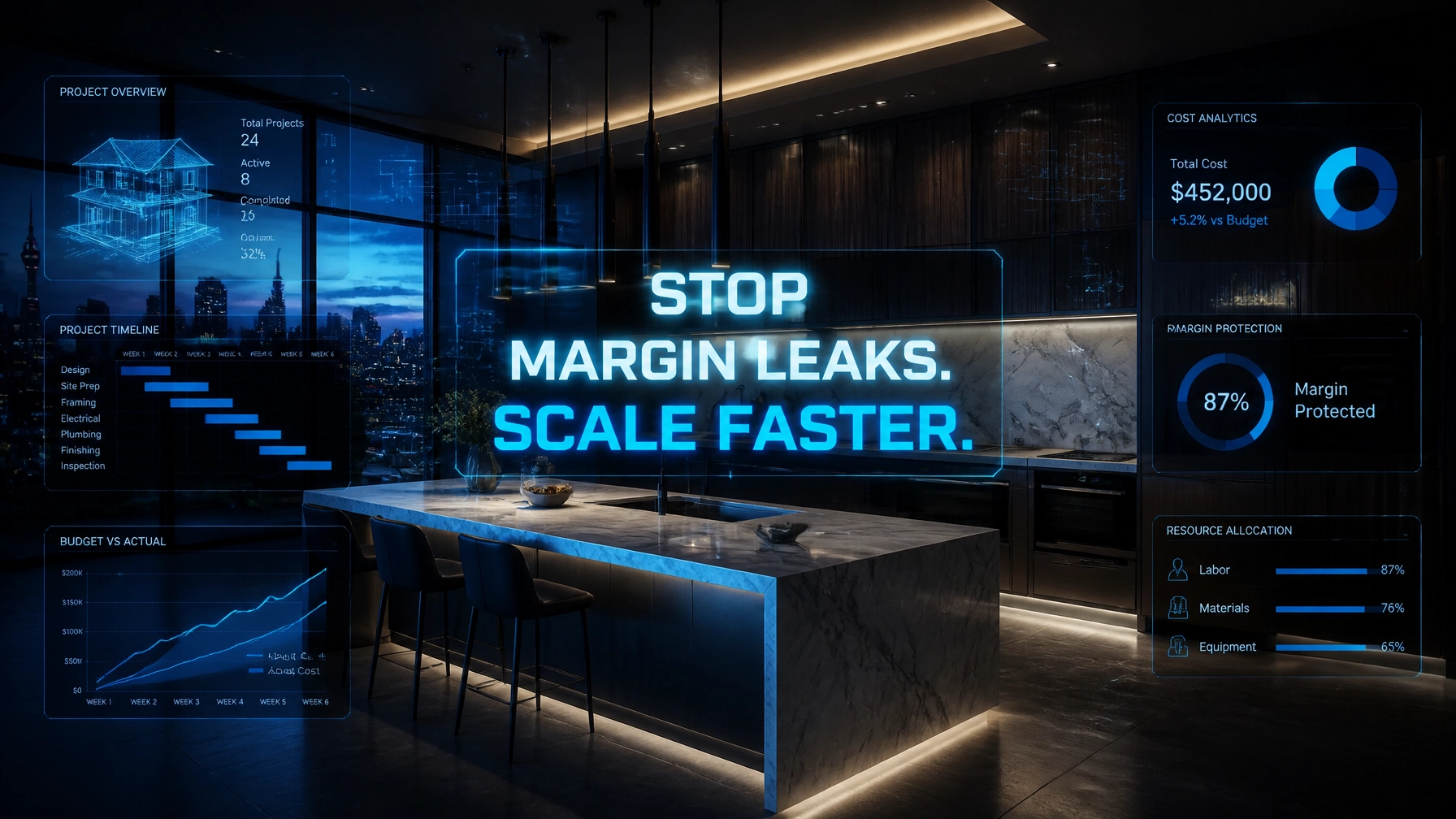
Every minute your lead sits in a cold inbox is a thousand dollars leaking from your top line, and every undocumented change order is a direct hit to your net profit. In 2026, the home remodeling industry is no longer just about who has the best craftsmanship; it is about who has the most disciplined administrative engine. While material costs fluctuate and skilled labor remains a premium, your greatest vulnerability isn't the price of lumber, it is "Admin Debt."
Admin debt is the accumulation of manual, inconsistent, or incomplete back-office tasks that drag down your ability to scale. When your project managers spend four hours a day on data entry instead of on-site quality control, you are paying a high-level salary for low-level tasks. This operational friction creates a "Profit Leakage" that most remodeling companies simply ignore until it is too late. Virtual Nexgen Solutions provides specialized virtual assistants at just $8 per hour to act as the administrative backbone of your business, ensuring that every nail driven and every client request is captured, billed, and systematized.
The Invisible Erosion: 6 Pain Points Killing Your Remodeling Margins
Before you can fix the leakage, you must identify where the holes are. Most remodeling business owners are so deep in the "production whirlwind" that they miss these six critical margin-killers:
- The Lead Response Gap: You spend thousands on marketing, but leads go cold because your team is "too busy" to answer the phone or reply to an inquiry within five minutes.
- Undocumented Scope Creep: A client asks for a "small change" on-site. Your foreman agrees to keep the project moving, but the change order never gets drafted, signed, or invoiced.
- CRM Ghost Towns: You pay for BuilderTrend or CoConstruct, but your daily logs are empty, site photos are stuck on a supervisor’s phone, and your project data is 14 days out of date.
- Subcontractor Scheduling Chaos: Your plumber shows up while the drywallers are still finishing because of a mismanaged master schedule, leading to "dry-run" fees and wasted days.
- Permit Bottlenecks: Projects grind to a halt because a permit application was filed late or a failed inspection wasn't rescheduled immediately, pushing your completion dates, and payments, out by weeks.
- Budget Blindness: You don't realize you’ve eaten through your 20% contingency until the final walkthrough, leaving you with a beautiful project but zero profit.
The 2026 Remodeling Software Stack
To compete in the modern landscape, your Virtual Nexgen Solutions assistant will manage and synchronize this essential software stack:
- BuilderTrend / CoConstruct: For comprehensive project management and daily logs.
- QuickBooks Online: For real-time job costing and financial tracking.
- Houzz Pro: For lead management and initial client visual collaboration.
- CompanyCam: For instant site photo documentation and verification.
- Slack: For streamlined communication between the field and the virtual office.
- Trello: For high-level visual tracking of the permit and inspection pipeline.
Hack 1: Execute 5-Minute SLAs for Lead Response
In 2026, the first contractor to respond wins the job. If you wait two hours, your prospect has already booked three other walkthroughs. A Virtual Nexgen Solutions assistant monitors your lead sources 24/7, ensuring no inquiry goes unanswered.
SOP 1: The Rapid Response Lead Intake
- Monitor all lead channels (website, Houzz, Angi, and Facebook) in real-time.
- Call every new lead within 300 seconds of the inquiry appearing.
- Use a standardized qualification script to determine project scope and budget.
- Schedule the initial site visit directly onto the owner's or estimator’s calendar.
- Send a confirmation text and email with a "What to Expect" guide to the prospect immediately.
SOP 2: Lead Database Hygiene
- Enter all qualified leads into the CRM within 10 minutes of the first call.
- Tag leads by project type (e.g., Kitchen, Bathroom, Full Home).
- Assign a follow-up task for the salesperson if the site visit isn't booked.
Hack 2: Document Change Orders Instantly to Protect Margins
The most common form of profit leakage is the verbal change order. Your Virtual Nexgen Solutions assistant bridges the gap between the field and the office, ensuring every change is a billable event.
SOP 3: The "Field-to-Office" Change Order Workflow
- Receive a Slack message or voice note from the field supervisor regarding a scope change.
- Draft the Change Order in BuilderTrend or CoConstruct using pre-defined price books.
- Add a 15% administrative "disruption fee" to every mid-project change.
- Send the digital Change Order to the homeowner’s mobile device for an e-signature.
- Notify the field supervisor once the signature is received so work can legally proceed.
Hack 3: Enforce BuilderTrend and CRM Discipline
A CRM is only as good as the data inside it. Stop wasting your project managers' time on data entry. Let them manage the build while your VA manages the software.
SOP 4: Daily Log and Site Photo Sync
- Reach out to every field lead at 4:00 PM daily for project updates.
- Upload all photos from CompanyCam or Slack into the corresponding BuilderTrend project folder.
- Transcribe the field lead’s voice notes into a professional daily log for the client to see.
- Flag any reported delays or material shortages for immediate owner review.
Hack 4: Coordinate Subcontractors with Precision
In 2026, labor is tight. If you lose a sub's slot because your site wasn't ready, you might wait three weeks to get them back. Your VA keeps the schedule tight and the communication constant.
SOP 5: The 72-Hour Subcontractor Confirmation
- Review the master schedule every Monday morning.
- Call every subcontractor scheduled for the next 72 hours to confirm their arrival time.
- Verify that all necessary materials for that sub are already on-site.
- Send a "Site Readiness" checklist to the sub via text 24 hours before they arrive.
SOP 6: Subcontractor Onboarding and Compliance
- Collect updated W-9s and Certificates of Insurance (COI) from every new sub.
- Track expiration dates of COIs in a master spreadsheet.
- Notify subs 30 days before their insurance expires to prevent work stoppages.
Hack 5: Eliminate Permit and Inspection Delays
Nothing kills momentum like a "Stop Work" order or a missed inspection. Your Virtual Nexgen Solutions assistant manages the bureaucracy so you can stay in production.
SOP 7: The Permit Pipeline Tracker
- Submit permit applications digitally to the local municipality within 24 hours of contract signing.
- Call the permit office every Tuesday and Thursday for status updates.
- Log all permit numbers and expiration dates in the CRM.
- Update the project schedule the moment a permit is issued.
SOP 8: Inspection Management System
- Schedule inspections as soon as the field lead confirms a milestone is met.
- Email the field lead the confirmed inspection window and any specific requirements.
- Follow up with the field lead 30 minutes after the window closes to record the result.
- If an inspection fails, immediately schedule the re-inspection and notify relevant subs.
Hack 6: Source Vendors and Navigate Cost Fluctuations
Material prices in 2026 are volatile. Your VA can spend the time shopping for the best rates and availability while you focus on high-level strategy.
SOP 9: Material Price Audit
- Maintain a master list of frequently purchased materials (lumber, drywall, finishes).
- Contact three local vendors weekly to update the "current market price" in your estimating software.
- Flag any price increases over 5% to the estimating team immediately.
SOP 10: Purchase Order (PO) Reconciliation
- Match all vendor invoices against the original Purchase Orders in QuickBooks.
- Dispute any overcharges or unauthorized delivery fees within 48 hours.
- Verify that all materials billed were actually delivered to the correct job site.
Hack 7: Monitor Budgets and Contingencies Proactively
Don't wait until the end of the job to find out you lost money. Real-time job costing is the only way to survive in 2026.
SOP 11: Weekly Job Costing Report
- Categorize all weekly expenses (labor, materials, subs) by project and cost code.
- Compare actual spending against the estimated budget every Friday.
- Calculate the "Burn Rate" of the project contingency fund.
- Highlight any project where the contingency has dropped below 10% with 25% of work remaining.
SOP 12: The "Final 5%" Completion Checklist
- Create a preliminary punch list two weeks before the projected completion date.
- Schedule the final walkthrough with the client.
- Verify that all Change Orders are signed and the final invoice is drafted.
- Send the final invoice the moment the client signs off on the punch list.
Real-World Results: Case Studies in Margin Protection
Case Study 1: High-End Kitchen Remodeler in Scottsdale, AZ
A luxury kitchen firm was struggling with "Change Order Amnesia." Field crews were performing an average of $4,500 in unbilled work per project. By integrating a Virtual Nexgen Solutions assistant at $8 per hour, they implemented SOP 3 and SOP 4.
- Result: Captured an additional $54,000 in revenue over 12 months.
- ROI: The VA cost roughly $16,000/year, representing a 337% return on investment from captured change orders alone.
Case Study 2: Full-Home Renovation Firm in Atlanta, GA
This firm was losing $12,000 annually in "dry-run" fees from subcontractors arriving at unready sites. They deployed a Virtual Nexgen Solutions assistant to handle SOP 5 and SOP 8.
- Result: Reduced dry-run fees by 92% and decreased project duration by an average of 11 days.
- ROI: The increased throughput allowed them to take on two additional projects per year, adding $210,000 to their top-line revenue.
Case Study 3: Design-Build Firm in Seattle, WA
Faced with administrative burnout, the owner was spending 25 hours a week on permits and scheduling. They hired a Virtual Nexgen Solutions VA to take over all back-office logistics.
- Result: The owner reclaimed 20 hours per week to focus on sales and high-level design.
- Financial Impact: Sales conversion increased by 18% because the owner could provide faster, more detailed proposals to high-value prospects.
The Cost of Inaction: $8/hr vs. $60k/year
Many remodelers consider hiring a local office manager to handle these tasks. However, a local hire typically costs upwards of $60,000 per year plus benefits, taxes, and office space. A Virtual Nexgen Solutions assistant provides the same level of specialized construction support for a fraction of the price, approximately $16,640 per year for a full-time, 40-hour-per-week dedicated professional.
When you factor in the "Admin Debt" you are currently paying through missed leads and unbilled change orders, the decision to remain stuck in manual processes becomes the most expensive choice you can make. Systematize your business today to ensure your 2026 margins are protected.
Frequently Asked Questions
How does a virtual assistant handle site-specific questions?
Your Virtual Nexgen Solutions assistant works as a bridge. They use tools like CompanyCam and Slack to receive real-time data from your field leads. They don't need to be on-site to draft a change order based on your supervisor's specific measurements and photos.
Is $8 per hour too good to be true?
Not at all. Virtual Nexgen Solutions leverages global talent markets to provide high-quality, English-speaking professionals who are experts in construction management software. We handle the vetting, training, and management so you get the results without the overhead.
Will my clients know I'm using a virtual assistant?
Your VA uses a local business phone number and your company email address. They are trained to represent your brand professionally. Most clients simply see a highly organized office team that responds instantly to their needs.
Can a VA really manage BuilderTrend?
Yes. Our VAs are specialists in construction-specific CRMs like BuilderTrend and CoConstruct. They handle everything from updating schedules and daily logs to managing the owner's portal and selection sheets.
What if my subcontractors don't want to talk to a remote assistant?
Subs love clarity. When your VA calls to confirm a schedule or sends a site-readiness checklist, it saves the sub time and money. Once they realize your projects are the most organized in town, they will prioritize your jobs over your competitors.
How do I start delegating my permit tracking?
We begin with SOP 7. You provide the VA with your municipal login credentials and a list of current projects. They take over the follow-up calls and status updates immediately, freeing you from the "government hold music" forever.
Do I have to train the VA on how to remodel?
No. You train them on your specific preferences, but they already understand the administrative workflows of the construction industry. They are the engine that runs your SOPs; you provide the craft and the vision.
What is the minimum contract for Virtual Nexgen Solutions?
We offer flexible solutions tailored to your business size. Whether you need 20 hours a week or a full-time dedicated team, we scale with your project volume.
Close the Profit Leakage Today
Stop letting your hard-earned margins disappear into the cracks of your administrative process. You are a builder, not a data entry clerk. By implementing these 7 hacks and utilizing a Virtual Nexgen Solutions assistant, you can eliminate admin debt, protect your project margins, and finally scale your remodeling business without the burnout.
Secure your margins for 2026. Schedule your discovery call now.