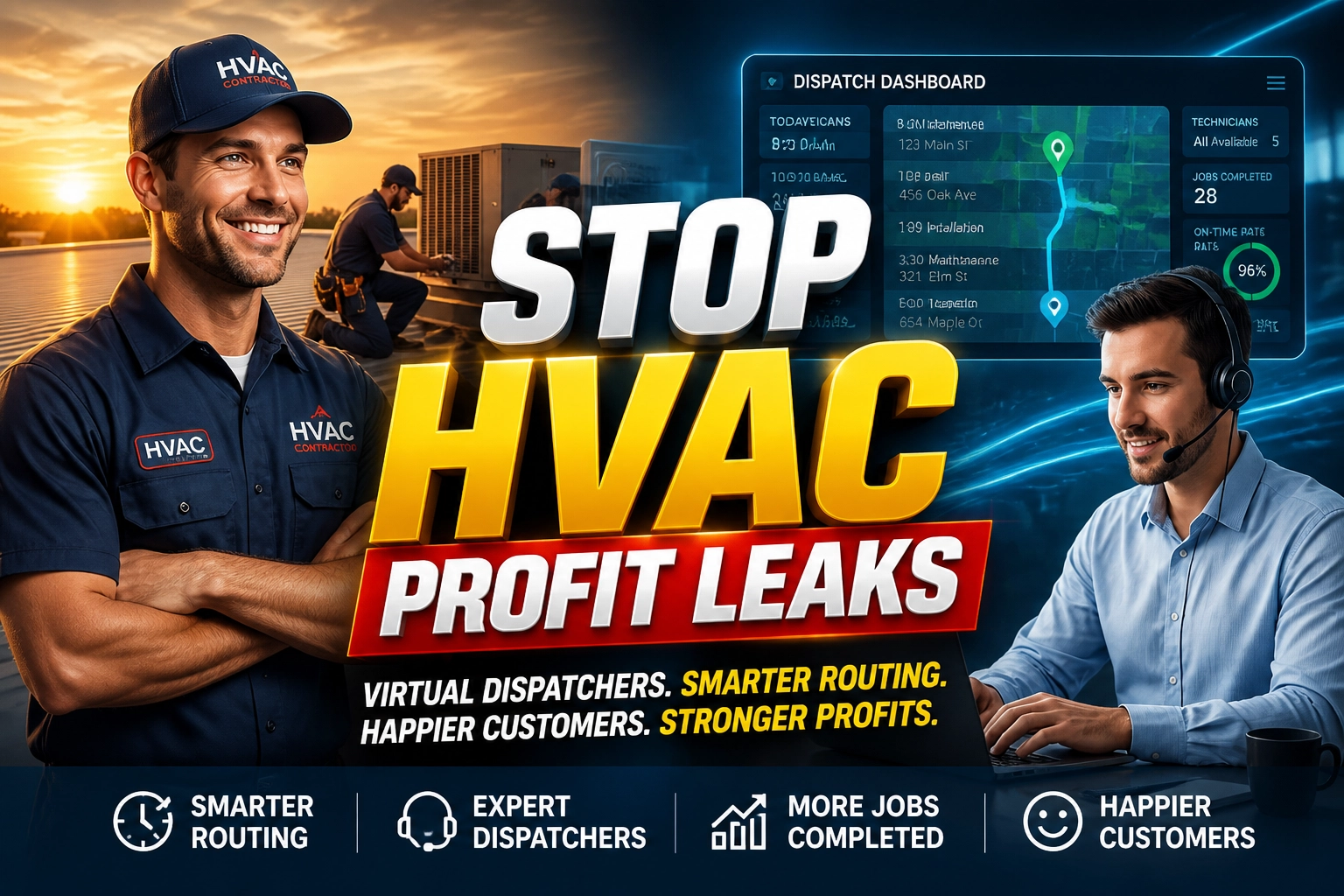
You are on a roof in the middle of July. Sweat is stinging your eyes, and you are trying to troubleshoot a complex electrical fault on a 5-ton condenser. Your phone vibrates in your pocket, once, twice, three times. It is a new lead, a homeowner whose AC just died and who is ready to spend $12,000 on a full system replacement. But you cannot answer. By the time you climb down the ladder and check your voicemail two hours later, that homeowner has already called the next contractor on Google, booked the job, and moved on.
This is the reality of "Admin Debt" in the HVAC world. Every missed call is a direct hit to your bottom line. Every minute you spend wrestling with a scheduling calendar is a minute you aren't in the field billing for high-value repairs or installations. Top-performing HVAC contractors in the United States have realized that they cannot grow if the owner is also the dispatcher, the bookkeeper, and the receptionist. To scale, you must separate the "field" from the "office." This is where a specialized HVAC Virtual Assistant becomes the engine of your growth, handling the heavy lifting of operations for just $8 per hour.
The High-Stakes Landscape of the US HVAC Industry
The HVAC industry in the United States is currently facing a perfect storm of high demand and critical labor shortages. As extreme weather patterns become more frequent, the pressure on service providers to respond instantly has never been higher. Modern consumers expect "Amazon-speed" responses; if you don't answer the phone within three rings, they move to your competitor.
Furthermore, the complexity of managing a field service business has shifted. It is no longer enough to be a great technician. You must manage digital lead platforms, maintain high ratings on Google and Yelp, and keep your technicians' schedules optimized to ensure they are billing at least eight hours a day. When you are buried in administrative tasks, you suffer from "Profit Leakage", the slow drain of revenue caused by inefficient routing, uncollected invoices, and missed follow-ups. Transitioning to a model that uses remote administrative support allows you to reclaim your time and focus on high-level strategy and sales.
6 Daily Pain Points Killing Your HVAC Growth
Before you can fix the problem, you must identify where the bleed is happening. Most HVAC owners struggle with these six specific daily challenges:
1. The "Van-Locked" Lead Loss
When you or your lead techs are driving or working, calls go to voicemail. Statistics show that 80% of callers will not leave a message and will simply call the next person on the list.
2. Dispatch Chaos and Routing Inefficiency
Sending a technician across town for a $99 tune-up when they were just two blocks away from a major repair site kills your fuel budget and wastes billable hours.
3. The "Midnight Emergency" Burnout
HVAC emergencies don't stick to a 9-to-5 schedule. Field service owners often find themselves answering emergency no-heat calls at 2:00 AM, leading to total burnout and poor decision-making the next day.
4. Billing and Invoicing Lag
Work is completed on Tuesday, but the invoice isn't sent until Sunday because that’s the only time you have to sit at a computer. This creates a massive cash flow gap and increases the likelihood of disputes.
5. Negative Review Anxiety
A single bad experience or a missed appointment can lead to a 1-star review that stays on your profile forever. Without someone dedicated to customer service, you cannot proactively manage your reputation.
6. Maintenance Agreement Neglect
Service agreements are the "recurring revenue" goldmine of HVAC, but they require constant calling and scheduling to keep active. Most owners let these slide because they are too busy putting out fires.
The HVAC Virtual Assistant: Your Operational Engine
A specialized HVAC Virtual Assistant is not just a remote secretary; they are a trained coordinator who understands the terminology of the trade. They know the difference between a heat pump and a furnace, and they understand why a "no-cooling" call in 95-degree heat is a higher priority than a routine filter change.
By delegating your office operations to a Virtual Nexgen Solutions VA, you effectively move your business from a "reactive" state to a "proactive" state. While you are in the field or meeting with commercial clients, your VA is ensuring the calendar is full, the routes are tight, and the customers are happy.
Top 10 Tasks Your HVAC Virtual Assistant Handles
- Lead Intake & Qualification: Answering every call and filtering out "tire kickers" from high-intent buyers.
- Technician Dispatching: Real-time coordination of crews using software like ServiceTitan or Housecall Pro.
- Route Optimization: Ensuring technicians spend more time turning wrenches and less time sitting in traffic.
- Customer Follow-up: Calling customers after a job to ensure satisfaction and ask for a Google review.
- Invoicing & Collections: Sending digital invoices immediately upon job completion and following up on unpaid balances.
- Emergency Call Triage: Managing after-hours calls based on your specific urgency protocols.
- Maintenance Plan Management: Proactively calling existing customers to schedule their bi-annual tune-ups.
- Permit & Paperwork Filing: Handling the tedious administrative work required for local municipality permits.
- Supplier Coordination: Ordering parts and tracking deliveries so they arrive before the technician gets to the site.
- CRM Data Entry: Keeping your customer database updated so you have a clean list for marketing and seasonal promotions.
12 Tactical SOPs for HVAC Virtual Assistants
To ensure your VA operates at peak efficiency, you need standardized procedures. Use these 12 SOPs to systematize your office:
1. The "Three-Ring" Lead Capture
Instruction: Every inbound call must be answered within three rings. Use a professional greeting: "Thank you for calling [Your Company], this is [VA Name], how can we get your system running today?"
Best Practice: Use a script that identifies the emergency status within the first 30 seconds.
2. High-Temperature Emergency Triage
Instruction: During heatwaves, prioritize elderly clients and families with infants for any "No Cooling" calls.
Best Practice: Mark these as "Priority 1" in the dispatch software and alert the nearest technician immediately.
3. The ServiceTitan "Gap-Fill" Procedure
Instruction: If a technician finishes a job early, look for any "Priority 2" maintenance calls within a 5-mile radius.
Best Practice: Call the customer to ask if they would like an early arrival before moving the technician.
4. Post-Installation Review Generation
Instruction: Within 24 hours of a new system installation, call the homeowner to verify the unit is cooling/heating to their satisfaction.
Best Practice: Once confirmed, send the direct Google Review link via text or email while they are still happy.
5. No-Show Technician Contingency
Instruction: If a technician does not check in for their first appointment, immediately call the customer to inform them of a "slight delay" and offer a revised window.
Best Practice: Never wait for the customer to call you to ask where the tech is.
6. Part-Order Tracking and Notification
Instruction: When a tech identifies a needed part, the VA orders it from the local wholesaler and tracks the ETA.
Best Practice: Notify the customer the moment the part arrives and schedule the return visit immediately.
7. End-of-Day Billing Audit
Instruction: Review all "Closed" jobs at 5:00 PM. Ensure invoices are sent and payments are processed or noted as "Pending."
Best Practice: Cross-reference the technician’s notes with the invoice to ensure no "add-on" items were missed.
8. Maintenance Agreement Renewal Call
Instruction: Every Monday, call 10 customers whose maintenance plans expire next month.
Best Practice: Offer a "Loyalty Renewal" discount to secure the recurring revenue immediately.
9. New Lead CRM Entry
Instruction: Every lead, even if they don't book, must be entered into the CRM with their name, phone, and reason for the call.
Best Practice: Tag leads by "Service Type" for future seasonal marketing campaigns.
10. Multi-Crew Route Synchronization
Instruction: Each morning, verify that all crews are heading to their first jobs and that no two crews are over-lapping in the same neighborhood unnecessarily.
Best Practice: Use GPS tracking to verify technician locations before assigning "urgent" mid-day calls.
11. Permit Application Submission
Instruction: Fill out the city/county permit forms for every new HVAC change-out based on the job contract.
Best Practice: Maintain a digital folder of all active permits and their inspection statuses.
12. Supplier Invoice Reconciliation
Instruction: Weekly, compare the wholesaler's billing statement against the parts ordered for specific jobs.
Best Practice: Flag any discrepancies in pricing or quantity to the owner for review.
Relevant Software & Tools for HVAC VAs
Your Virtual Assistant is an expert in the modern "Field Service Tech Stack." They are experienced in:
- ServiceTitan: For full-scale enterprise dispatching and reporting.
- Housecall Pro: For streamlined scheduling and invoicing.
- Jobber: For easy-to-use dispatching and customer communication.
- QuickBooks Online: For managing your books and reconciling payments.
- RingCentral / Nextiva: For handling professional VOIP phone calls remotely.
- Google Workspace: For shared calendars and document management.
- Slack: For instant communication with your field technicians.
- Podium: For managing customer reviews and text-based communication.
Case Studies: Real Impact of HVAC Virtual Assistants
Case Study 1: The "Missed Call" Recovery in Georgia
The Challenge: A medium-sized HVAC company in Atlanta was missing roughly 35% of their inbound calls during the summer peak because their office manager was also doing the bookkeeping.
The Action: They hired a Virtual Nexgen Solutions VA to handle all inbound calls and dispatching from 8 AM to 6 PM.
The Result: Within 30 days, their "Lead Capture Rate" jumped to 98%. The company saw a revenue increase of $22,000 in the first month simply by answering the phone when customers called.
Case Study 2: The Routing Revolution in Texas
The Challenge: A residential HVAC firm in Houston had technicians spending an average of 2.5 hours per day in traffic due to poor manual scheduling.
The Action: A VA took over dispatching, using route optimization tools to group jobs geographically.
The Result: Technicians' billable hours increased from 5.5 to 7.5 per day without increasing their shift length. This resulted in an additional $1,200 per day in billable labor across the fleet.
Why Choose Virtual Nexgen Solutions for Your HVAC Business?
At Virtual Nexgen Solutions, we don't just provide "remote workers." We provide industry-specific administrative experts who understand the nuances of the HVAC trade. While an in-house dispatcher in the US can cost you upwards of $60,000 per year plus benefits, our VAs provide the same high-level service for just $8 per hour.
We specialize in eliminating your Admin Debt and plugging the Profit Leakage in your business. Our VAs are trained on the latest field service software and come with the SOPs ready to implement from day one. Whether you are a solo-operator looking to hire your first office staff or a large firm needing to scale your dispatch department, we have the specialized talent to support your growth.
Ready to reclaim your time and scale smarter? Book your free discovery call with Virtual Nexgen today , let's talk about how our VAs can transform your HVAC business.
Frequently Asked Questions
Can a virtual assistant really handle my HVAC dispatching?
Yes. With modern VOIP systems and cloud-based field service software like Jobber or ServiceTitan, a remote dispatcher can see exactly where your techs are and communicate with them via Slack or phone just as easily as someone sitting in your office.
How does the VA know which job is a priority?
We work with you to establish a Triage SOP. You define what constitutes an emergency (e.g., no heat for seniors, commercial refrigeration failure) and the VA follows those exact rules to prioritize the schedule.
Is there a language barrier with remote VAs?
Virtual Nexgen Solutions provides highly proficient, English-speaking VAs who are trained in professional American business communication. Your customers will feel they are speaking with a member of your local team.
How much can I save by hiring a VA vs. a local dispatcher?
A local US-based dispatcher often costs $25–$30 per hour plus benefits. A Virtual Nexgen VA costs $8 per hour with no overhead. This typically saves a contractor over $40,000 annually per office position.
What if I use specific software not listed here?
Our VAs are highly adaptable and experienced in a wide range of platforms. We provide them with the technical foundational training so they can quickly master your specific CRM or dispatch tool. You can learn more about our different service areas on our Department 1 page.
How do I manage the VA if I am in the field all day?
We recommend using communication tools like Slack for quick updates and a weekly 15-minute sync call. Your VA will also provide daily reports on calls handled, jobs booked, and invoices sent.
Do they handle after-hours emergencies?
Yes, we can provide coverage schedules that include evenings and weekends, ensuring your "Speed-to-Lead" remains high even when you are off the clock. For more information on how we handle specialized scheduling, visit our About Us page.
How fast can I get a VA started in my HVAC business?
We can typically match you with a trained HVAC Virtual Assistant and begin the onboarding process within a few business days. This allows you to start clearing your Admin Debt immediately.